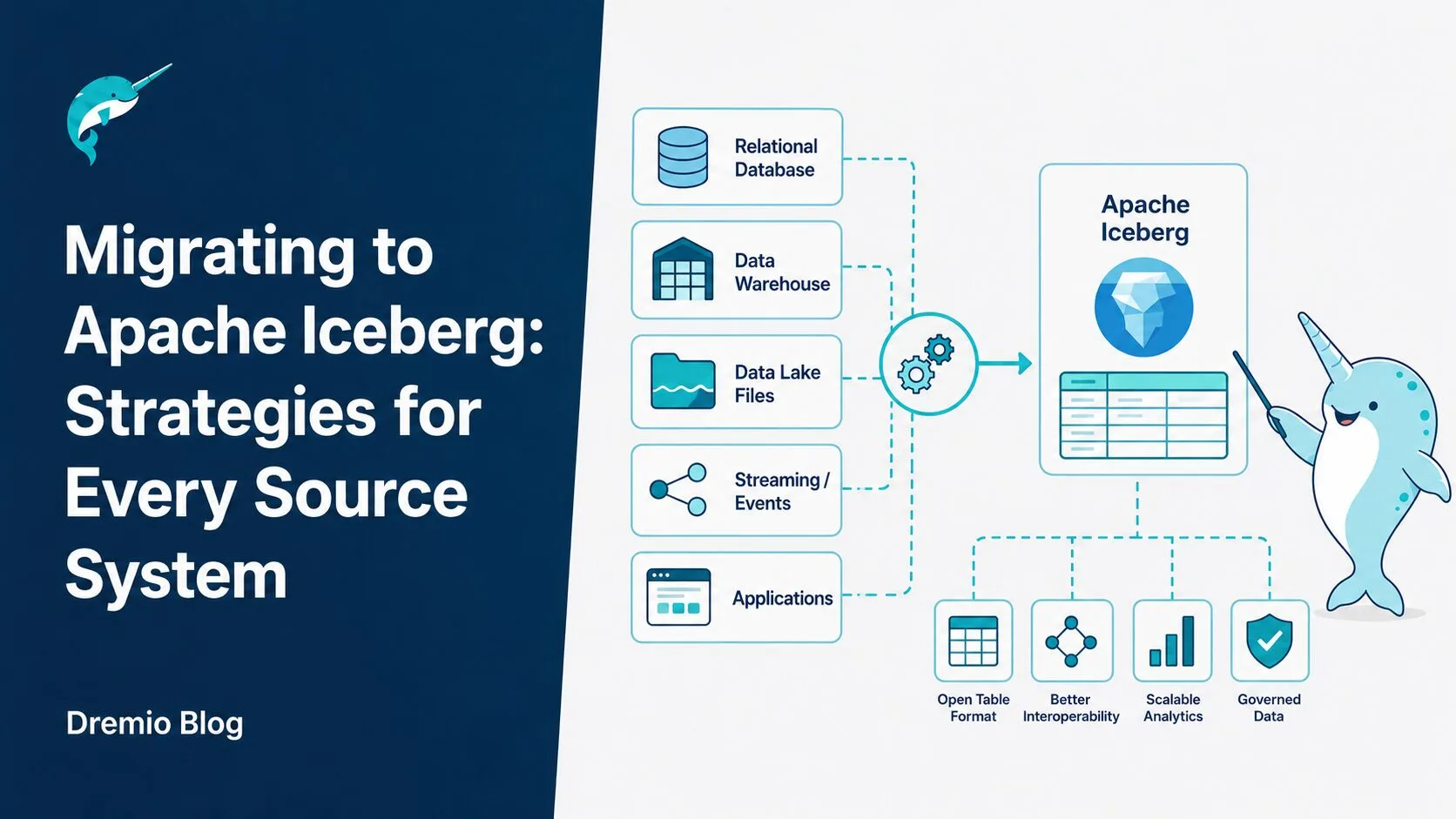
This is Part 15, the final article of a 15-part Apache Iceberg Masterclass. Part 14 covered hands-on Dremio Cloud. This article covers the three migration strategies and how to execute a zero-downtime migration using the view swap pattern.
Most organizations do not start with Iceberg. They have years of data in Hive tables, data warehouses, CSV files, databases, and Parquet directories. Moving this data to Iceberg is not an all-or-nothing project. The best migrations happen incrementally, one dataset at a time, with no disruption to existing consumers.
In-place migration creates Iceberg metadata over existing Parquet or ORC files without copying or moving them. The data files stay exactly where they are; only new Iceberg metadata is created to track them.
Spark example:
CALL system.migrate('db.existing_hive_table')
This converts a Hive table to Iceberg by scanning its files and creating the Iceberg metadata tree (metadata.json, manifest list, manifest files) that references them. The Parquet files are untouched.
Pros: Fast. No data movement. The table becomes queryable as Iceberg immediately.
Cons: The existing file layout (sizes, partitioning, sort order) is inherited. If the original files are poorly organized, you inherit those problems. Requires the original files to be in Parquet or ORC format.
2. Full Rewrite (CTAS)
A full rewrite reads data from any source and writes it as a new Iceberg table with optimal partitioning and file sizes:
-- Spark
CREATE TABLE iceberg_catalog.analytics.orders
USING iceberg
PARTITIONED BY (day(order_date))
AS SELECT * FROM hive_catalog.legacy.orders

-- Dremio
CREATE TABLE analytics.orders
PARTITION BY (day(order_date))
AS SELECT * FROM legacy_source.public.orders
Pros: Best result. Optimal file sizes, correct sort order, proper partitioning. The table is perfectly organized from day one.
Cons: Requires reading and writing all data, which takes time and compute resources. The source system must be available during the migration.
3. Shadow Migration (Build and Swap)
Shadow migration builds the Iceberg table alongside the existing source, then swaps consumers from old to new when ready:
Create a new Iceberg table with the desired schema and partitioning
Backfill historical data from the legacy source
Set up incremental sync to keep the Iceberg table current
Validate data quality between old and new
Swap consumer views from legacy to Iceberg
Pros: Zero downtime. Consumers never see a disruption. You can validate the migration before committing to it.
Cons: Temporarily doubles storage costs. Requires maintaining two copies during the transition.
The view swap pattern is the recommended approach for production migrations. It uses Dremio's semantic layer to create an abstraction between consumers and the underlying data:
Phase 1: Federation
Create views in Dremio that point to the legacy data source:
CREATE VIEW analytics.orders AS
SELECT order_id, customer_id, order_date, amount, status, region
FROM postgres_source.public.orders
All consumers (dashboards, reports, notebooks) query through these views. They do not know or care where the data physically lives.
Phase 2: Build Iceberg
Create and populate the Iceberg table:
-- Create the Iceberg table
CREATE TABLE iceberg_data.analytics.orders (
    order_id BIGINT, customer_id BIGINT,
    order_date DATE, amount DECIMAL(10,2),
    status VARCHAR, region VARCHAR
) PARTITION BY (day(order_date))

-- Backfill from the legacy source
INSERT INTO iceberg_data.analytics.orders
SELECT * FROM postgres_source.public.orders
Phase 3: Validate
Compare the two datasets to confirm data integrity:
SELECT
  (SELECT COUNT(*) FROM postgres_source.public.orders) AS legacy_count,
  (SELECT COUNT(*) FROM iceberg_data.analytics.orders) AS iceberg_count
Beyond row counts, validate aggregates (total amounts, distinct customer counts) and spot-check individual records. A comprehensive validation script should compare:
Total row count
Column-level checksums or hash aggregates
Distinct value counts for key columns
Boundary values (MIN/MAX) for numeric and date columns
Sample of specific records matched by primary key
Only proceed to the swap after all validation checks pass.
Phase 4: Swap
Update the view to point to the Iceberg table:
CREATE OR REPLACE VIEW analytics.orders AS
SELECT order_id, customer_id, order_date, amount, status, region
FROM iceberg_data.analytics.orders
The view swap pattern enables incremental migration. You do not need to migrate everything at once:
Week 1: Migrate the highest-value table (e.g., orders)
Week 2: Migrate the next table (e.g., customers)
Continue until all critical tables are on Iceberg
During the transition, Dremio's federation queries legacy and Iceberg tables together. A join between a PostgreSQL table and an Iceberg table works the same as a join between two Iceberg tables. The migration is invisible to consumers.
Decommission the legacy source after the retention period
Common Migration Pitfalls
Migrating without testing query performance: Always benchmark critical queries against the new Iceberg table before switching production traffic. Iceberg's partition layout and file organization affect performance, and a migration can make some queries faster but others slower if the partition strategy is wrong.
Skipping the validation phase: Data discrepancies between the old and new systems are more common than expected. Schema differences, timezone handling, null semantics, and data type precision can all cause subtle mismatches. Validate thoroughly.
Migrating everything at once: Large "big bang" migrations carry high risk. If something goes wrong, rolling back is complex and time-consuming. Migrate one table at a time, validate each one, and build confidence incrementally.
This completes the Apache Iceberg Masterclass. The series covered table formats, metadata, performance, partitioning, writes, catalogs, maintenance, tooling, and migration. For hands-on practice, start a Dremio Cloud trial and follow the workflow in Part 14.
For a deeper treatment of the topics in this post, download Apache Iceberg: The Definitive Guide by Tomer Shiran, Jason Hughes, and Alex Merced, free from Dremio.
Intro to Dremio, Nessie, and Apache Iceberg on Your Laptop
Editor’s note, September 2026. This post was published in September 2023 and some product details have changed since. Nessie is still available and self-deployable under the Apache-2.0 licence, and it remains the clearest implementation of catalog-level branching. It is not an Apache Software Foundation project, and its development has slowed considerably. For how the current […]
Aug 16, 2023·Dremio Blog: News Highlights
5 Use Cases for the Dremio Lakehouse
With its capabilities in on-prem to cloud migration, data warehouse offload, data virtualization, upgrading data lakes and lakehouses, and building customer-facing analytics applications, Dremio provides the tools and functionalities to streamline operations and unlock the full potential of data assets.
Oct 12, 2026·Dremio Blog: Open Data Insights
Apache Iceberg Table Statistics: NDV, Puffin and Query Plans
Iceberg keeps per-file bounds automatically but table-level NDV statistics only when you compute them. Why that decides join order, and how to keep them fresh.