MCP compatibility
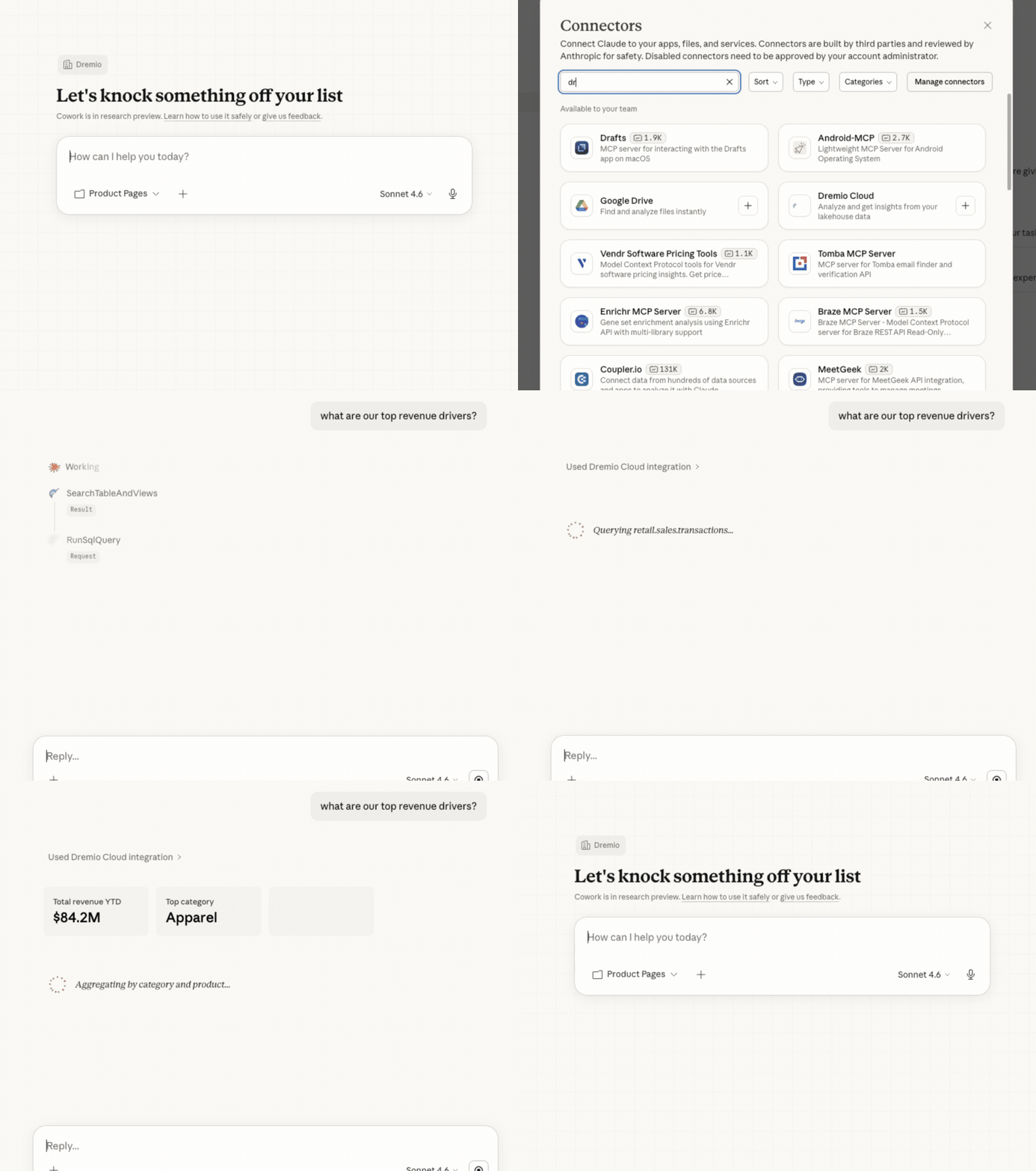
AGENTIC ANALYTICS SOFTWARE
Instantly connect any AI agent to your data with Dremio’s agentic analytics software, whether it’s Claude, ChatGPT, Gemini, or our own built-in solution. Explore, analyze, and take actions, securely and at scale.
FEATURES

Model Context Protocol (MCP) integration for Claude, ChatGPT, etc.

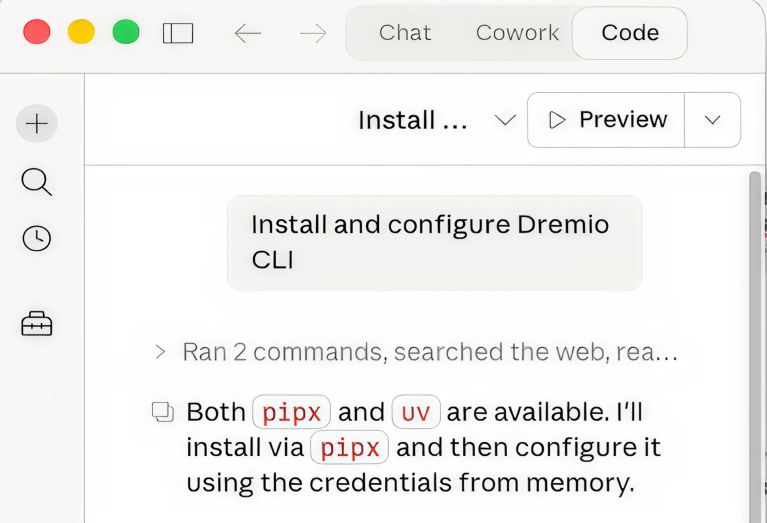
Command line interface (CLI) for any agent like Claude Code, Codex

Start analyzing immediately with Dremio’s AI agent out of the box
Dremio’s developer CLI now available
The Dremio CLI gives AI agents direct, programmatic access to your lakehouse. Self-describing commands mean agents can discover and operate Dremio's full capabilities.
Install via pipx or uv tool github.com/dremio/cli →
CAPABILITIES
Whether you're a business user asking questions or an engineer automating pipelines, Dremio’s agentic analytics tool connects to the way you already work.

FAQs
Get common questions answered about Dremio Cloud and its AI agent capabilities
Dremio’s AI Agent is a conversational interface built directly into the platform. Ask questions in plain English to interact with data, get instant visualizations, diagnose slow queries, and take action, all without writing SQL.
You can connect your agent to Dremio’s agentic analytics software. Our MCP endpoint lets any compatible agent (Claude, ChatGPT, Gemini, and others) connect to your data lakehouse in minutes. Users get governed, with real-time data access through whichever agentic systems and tools they already use.
Your choice between the Model Context Protocol and the command-line interface depends on multiple factors. Use the CLI when you need programmatic control:
MCP is the better fit for business users and knowledge workers asking questions through a chat-style agent.
Yes. Every data query runs through Dremio’s existing access controls and users only see the data they’re authorized to access. All questions and answers are fully logged for compliance and audit purposes.
The built-in agent is one click inside the Dremio console. To connect your own agent, use Dremio’s MCP endpoint. For the CLI, install with npm install dremio-cli.


