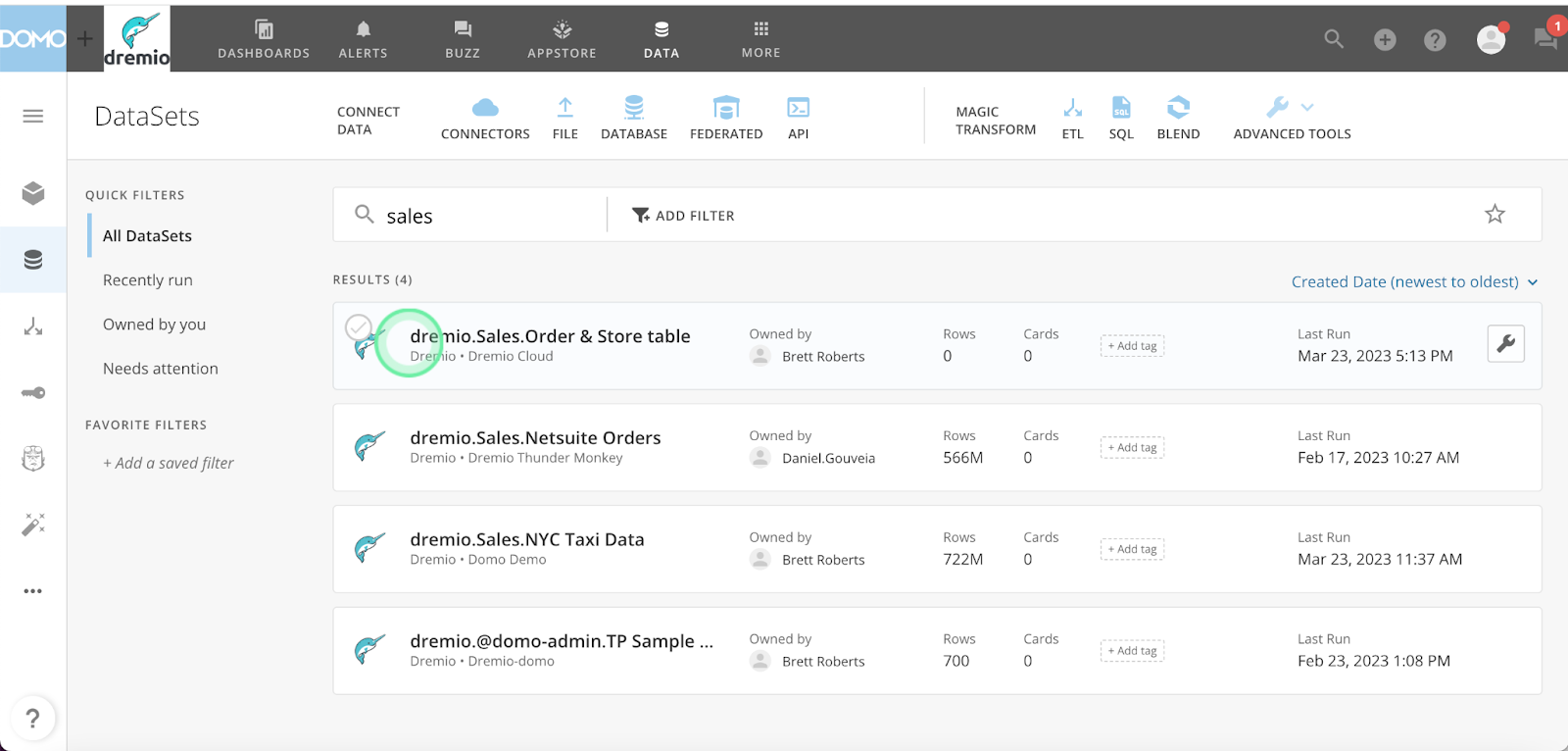
Domo, the cloud-based business intelligence (BI) and data analytics platform, recently announced the launch of a new native connector for Dremio. This new connector to Dremio extends the data lakehouse to Domo, enabling Domo users to easily analyze large amounts of data from a variety of new sources without having to move or copy data. With Dremio, Domo users also enjoy self-service analytics by being able to use Dremio to directly interact with data, minimizing the need to wait for data access requests to be fulfilled or for extracts to be created.
How to get started
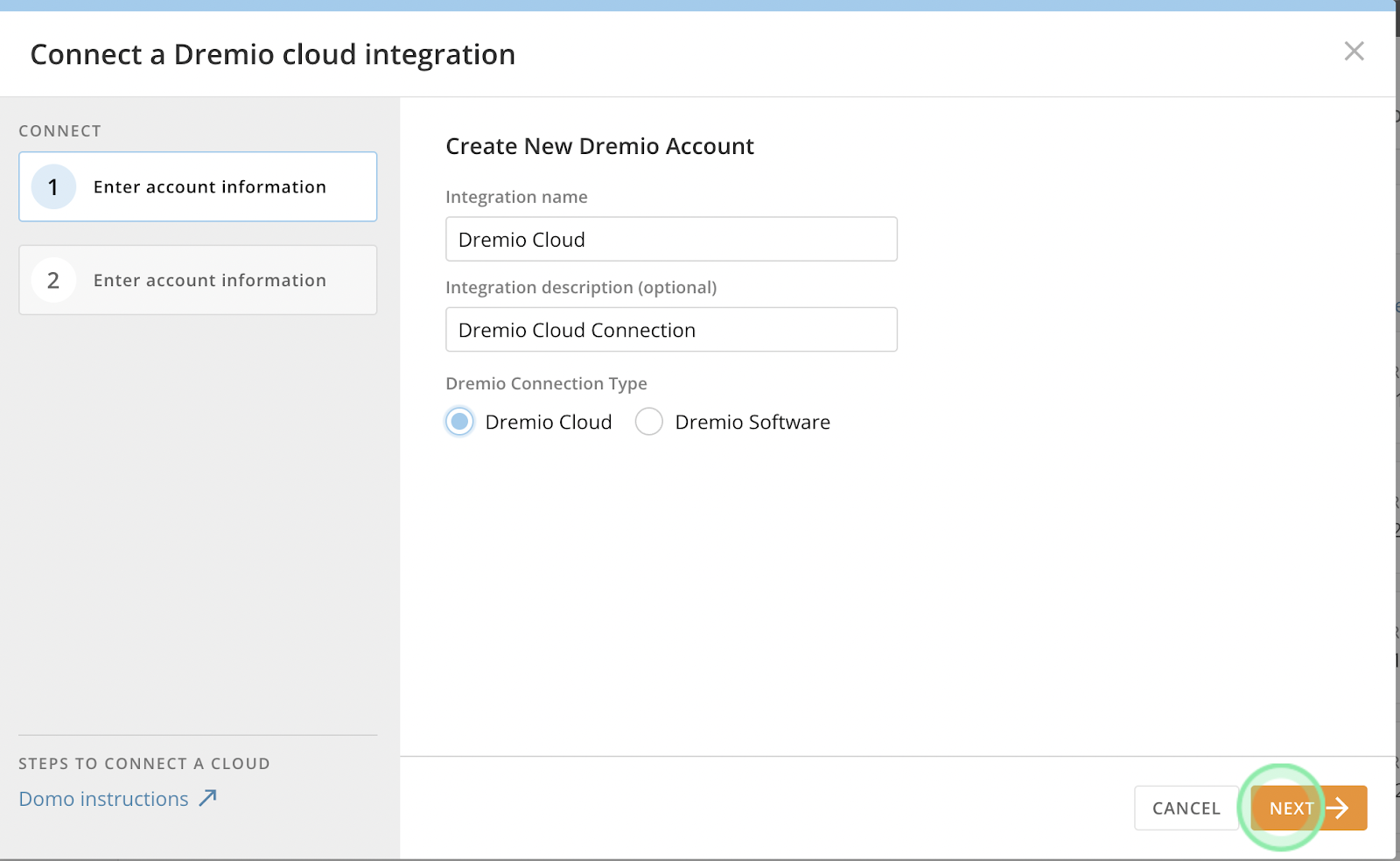
Domo’s native connector for Dremio supports access to Dremio Cloud and Dremio software
Step 1: Create a Dremio Connection in Domo
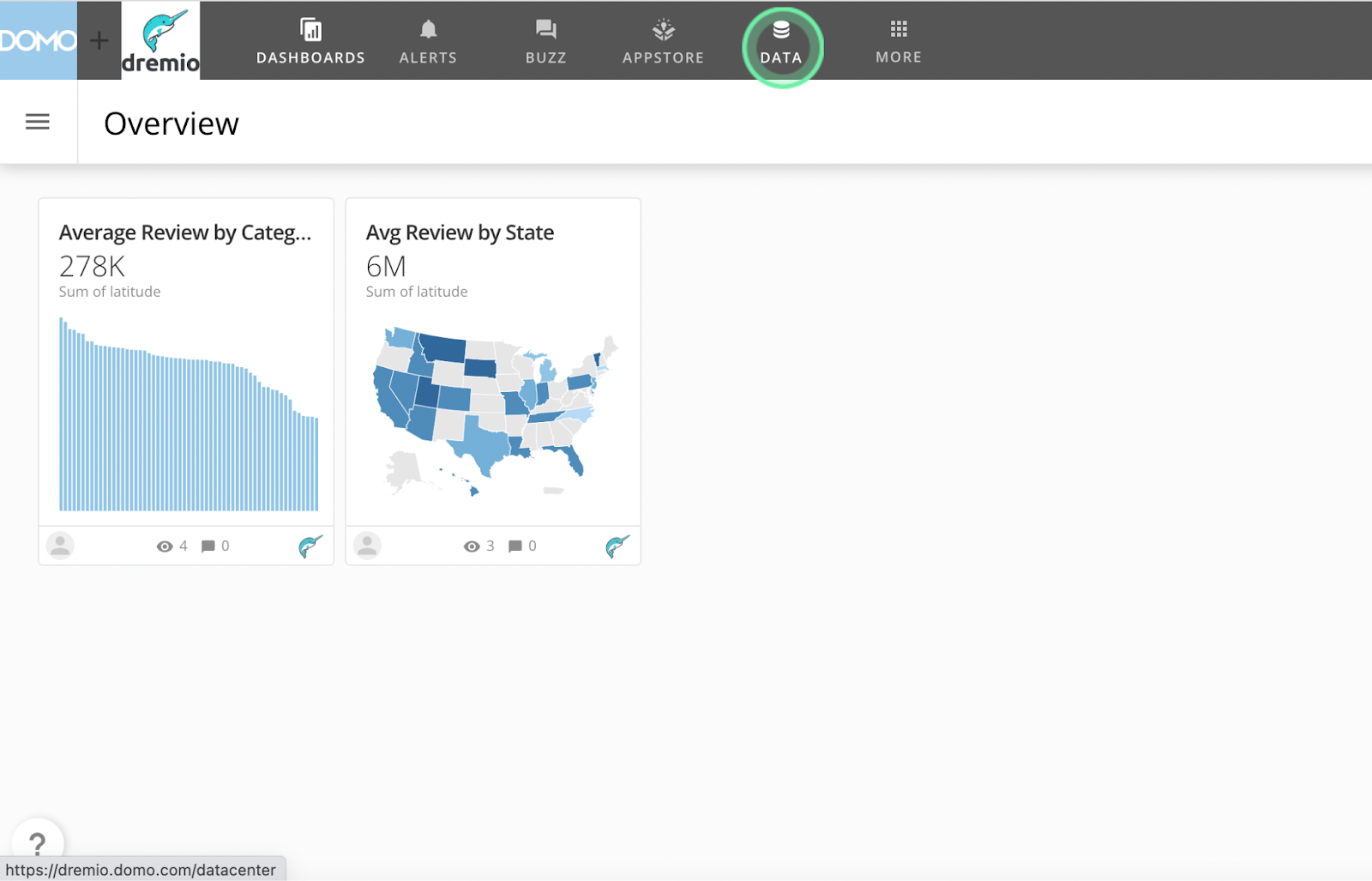
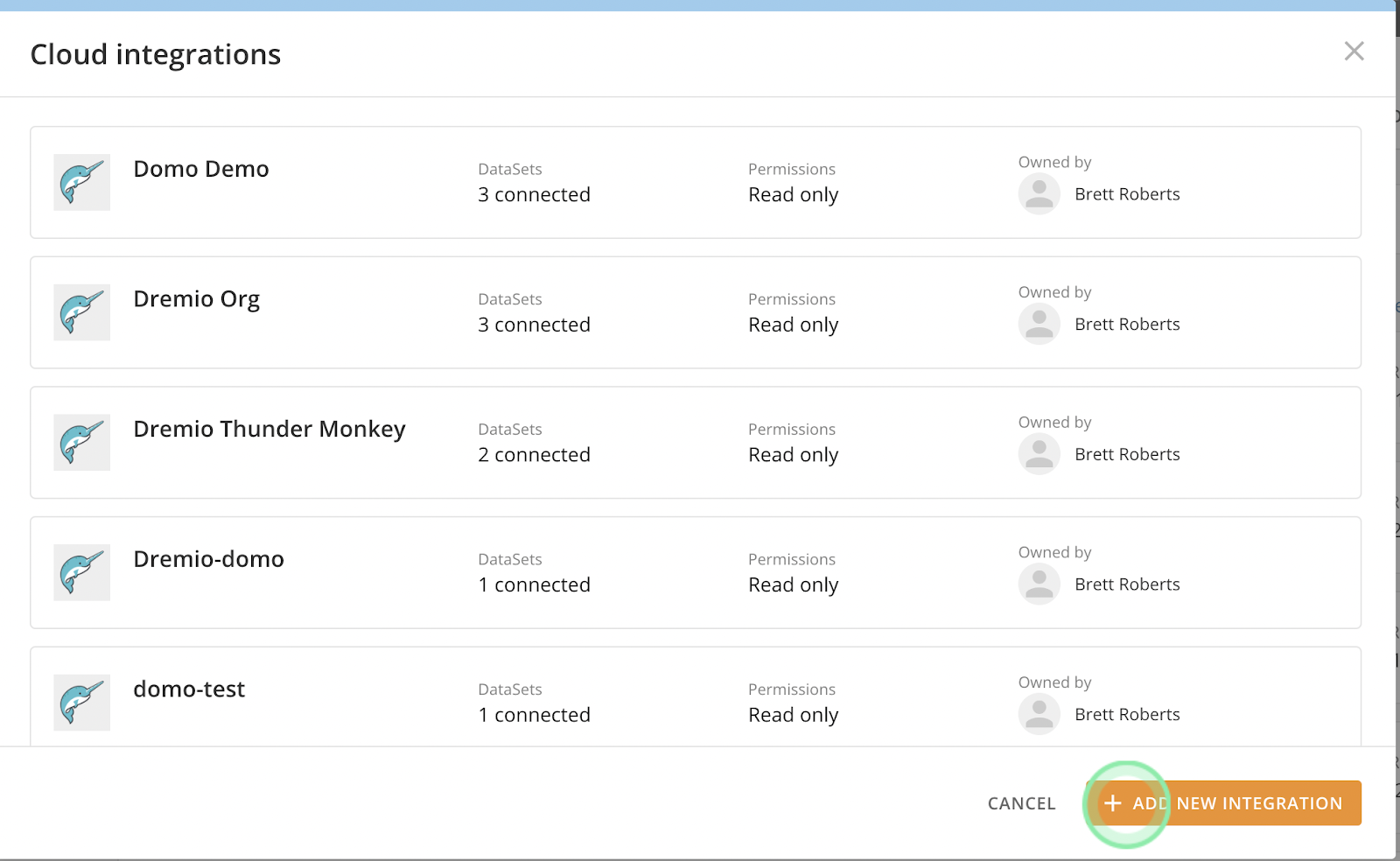
Navigate to Domo and click on the “Data” icon at the top of the window.
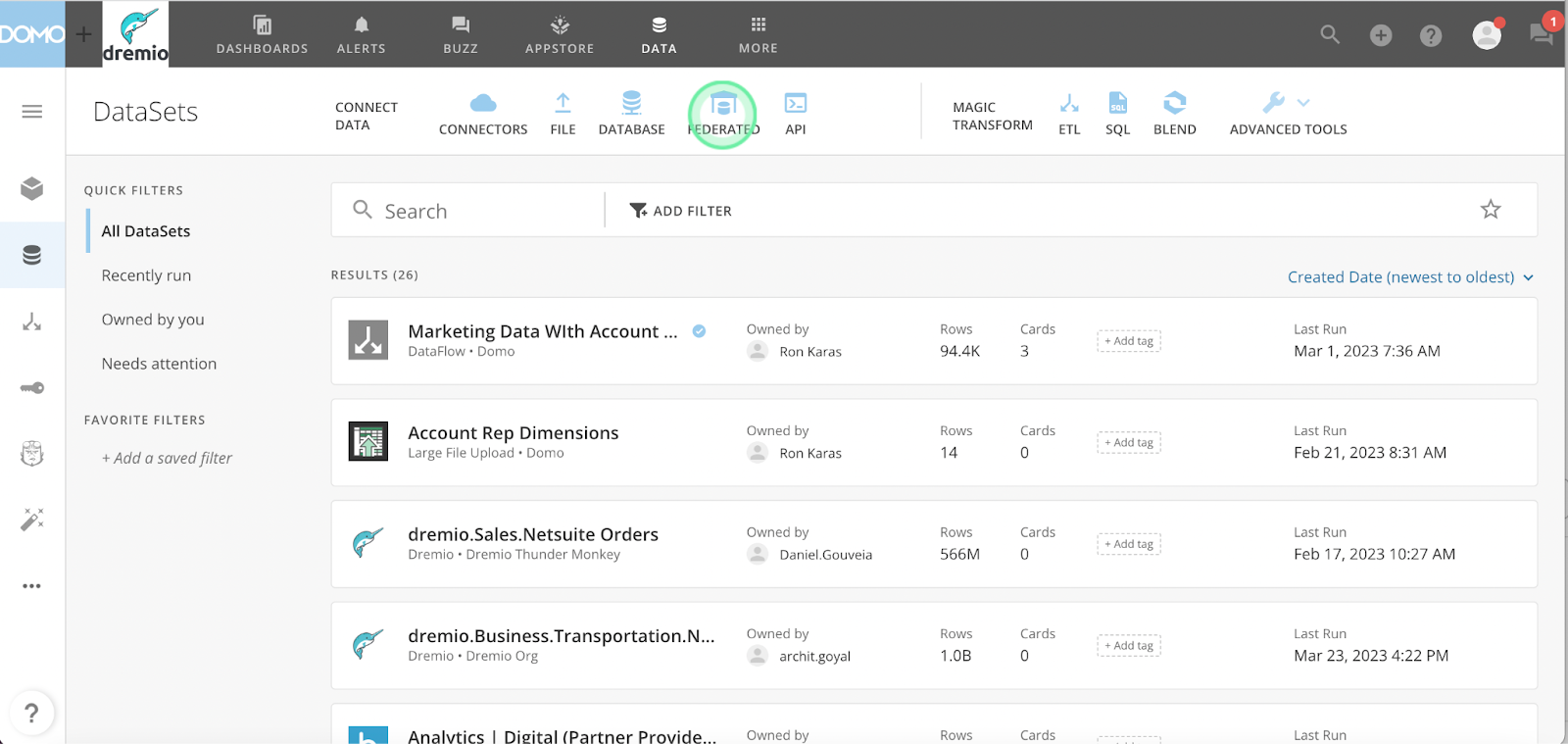
Next, click on the “Federated” data option.
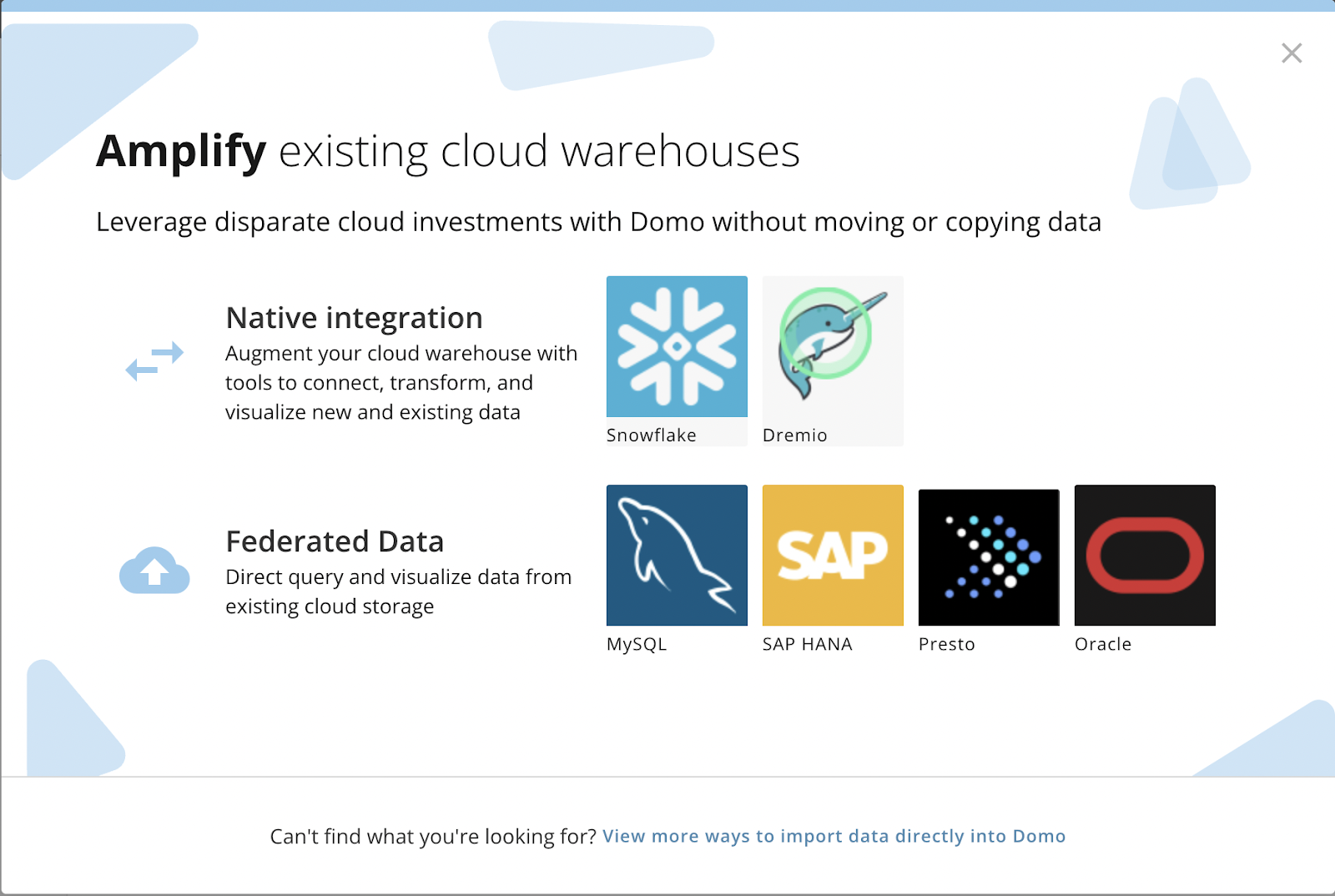
Select the Dremio option from the “Native Integration” section.
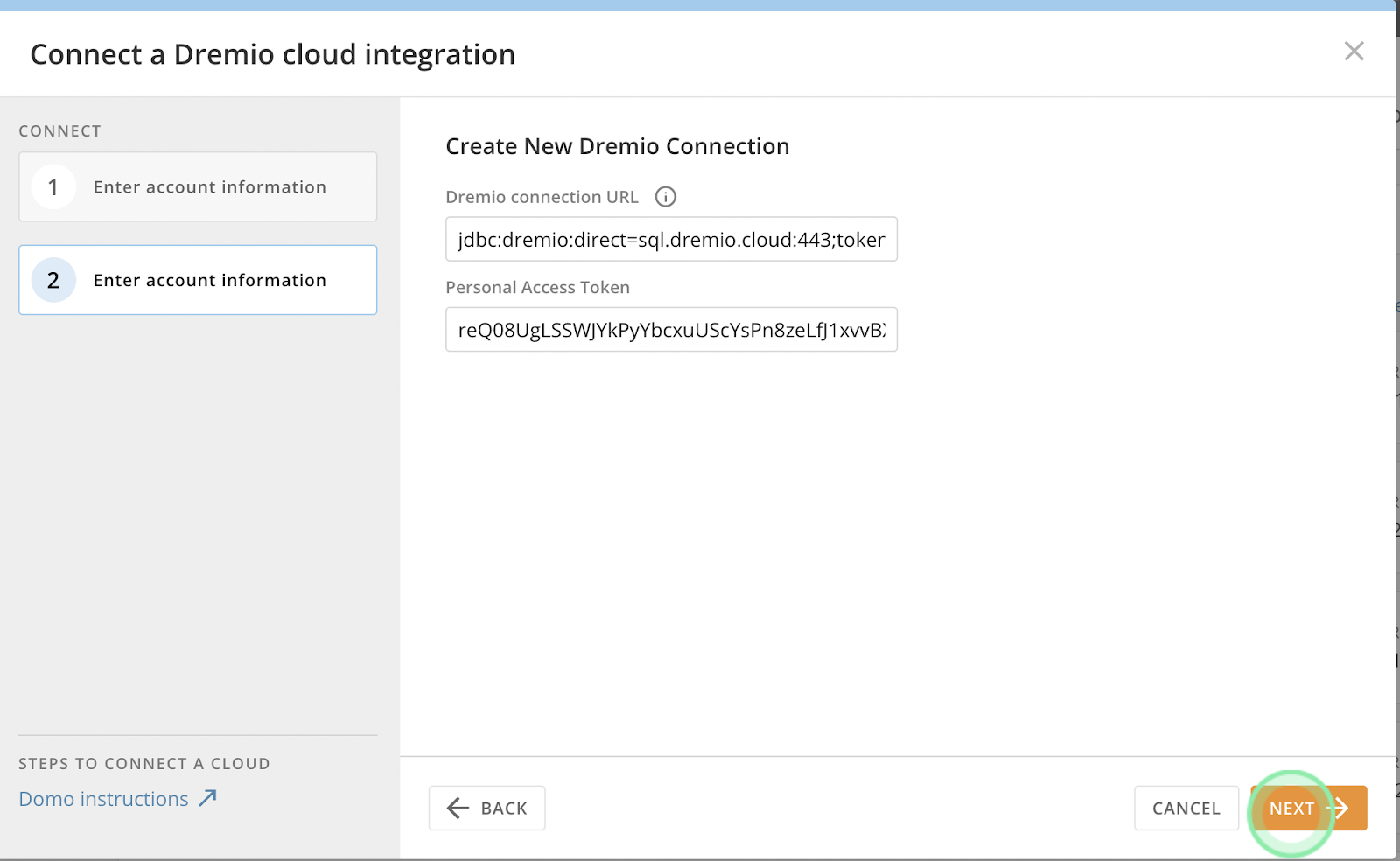
**Note** You can find your Dremio Cloud project ID in the Project Settings tab in Dremio.
Personal Access Token: You can generate a PAT in Dremio Cloud. See Dremio documentation for more information.
**Note** For Dremio software connections, use your Dremio username and password to establish the connection with Domo.
Once you have entered your information, click “Next”
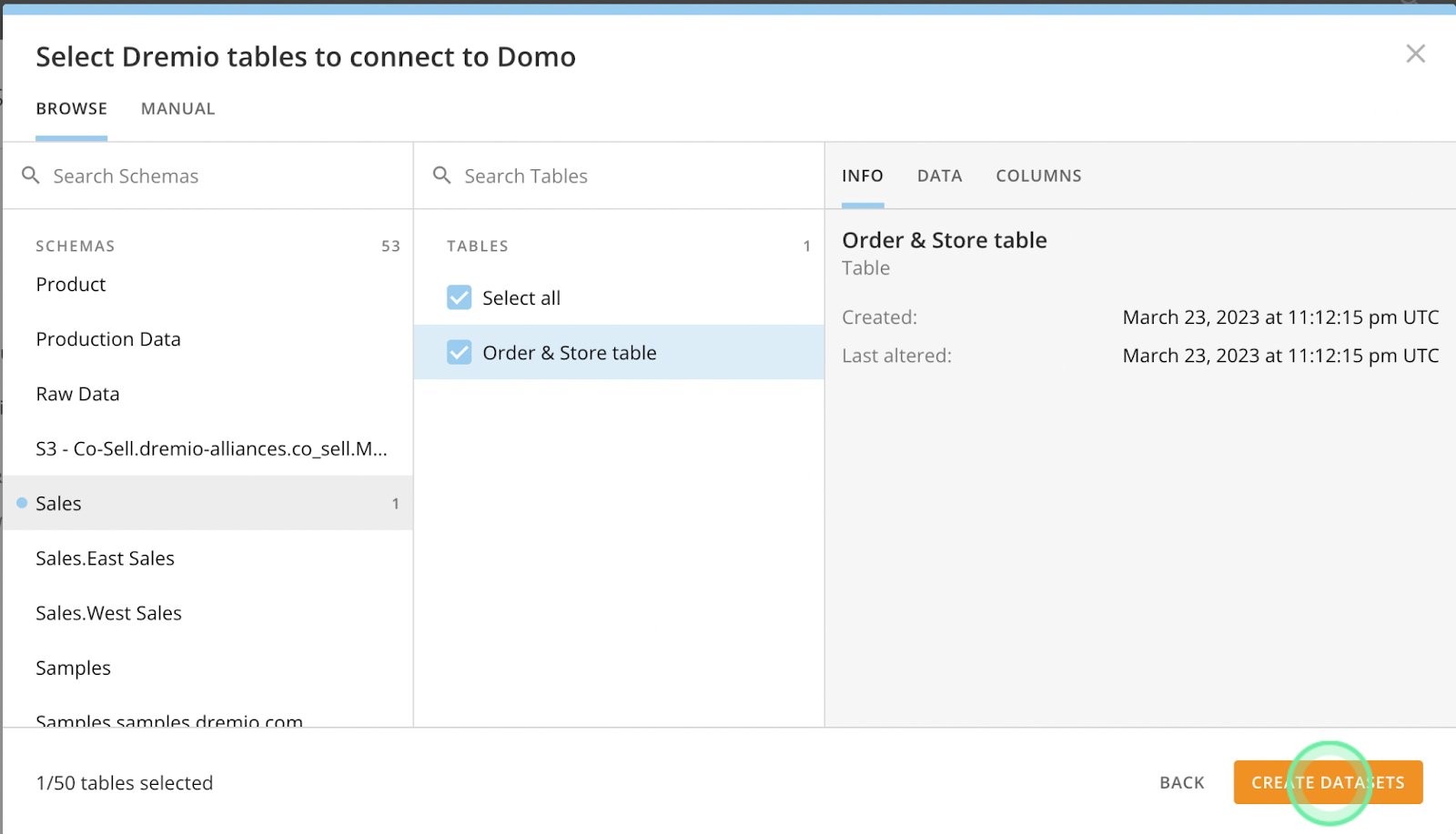
Once your connection is successfully established, click “Choose Data Tables”
Search the Dremio catalog for the table you want to analyze with Domo and click “Create Datasets.”
**Note** by creating the dataset, you are creating the connection to Dremio. The data is not being moved or copied into Domo.
Once the dataset has been added to Domo, you can search for the dataset and select it for analysis.
Now that you’ve successfully connected Domo to your Dremio data, you can begin to use Domo to analyze your data and build visualizations and dashboards!
Get started building your data lakehouse! Try Dremio Cloud on AWS today!
If you’d like to give Dremio and Domo a try, it’s easy to get started:
Visit www.dremio.com/get-started to try Dremio Cloud on AWS for free. You only pay forAWS resources. You can also sign up and try Domo for free! In minutes, you can create a connection to Dremio from Domo and start building intuitive dashboards and visualizations that drive data-driven outcomes!
Try Dremio Cloud free for 30 days
Deploy agentic analytics directly on Apache Iceberg data with no pipelines and no added overhead.
Hadoop Modernization on AWS with Dremio: The Path to Faster, Scalable, and Cost-Efficient Data Analytics
Hadoop modernization on AWS with Dremio represents a significant leap forward for organizations looking to leverage their data more effectively. By migrating to a cloud-native architecture, decoupling storage and compute, and enabling self-service data access, businesses can unlock the full potential of their data while minimizing costs and operational complexity.
Nov 26, 2025·Dremio Blog: Partnerships Unveiled
Using Dremio, lakeFS & Python for Multimodal Data Management
With lakeFS, you version everything: Iceberg tables, images, models, logs. With Dremio, you query and analyze it all, structured or not, at scale. Together, they bring Git-style control and interactive querying to your data lake, so you can build more intelligent, version-aware workflows without sacrificing flexibility or performance.
Jun 11, 2019·Dremio Blog: Partnerships Unveiled
What is ADLS Gen2 and Why it Matters
Described by Microsoft as a “no-compromise data lake”, ADLS Gen 2 extends the capabilities of Azure Blob Storage and is optimized for large scale analytics workloads.