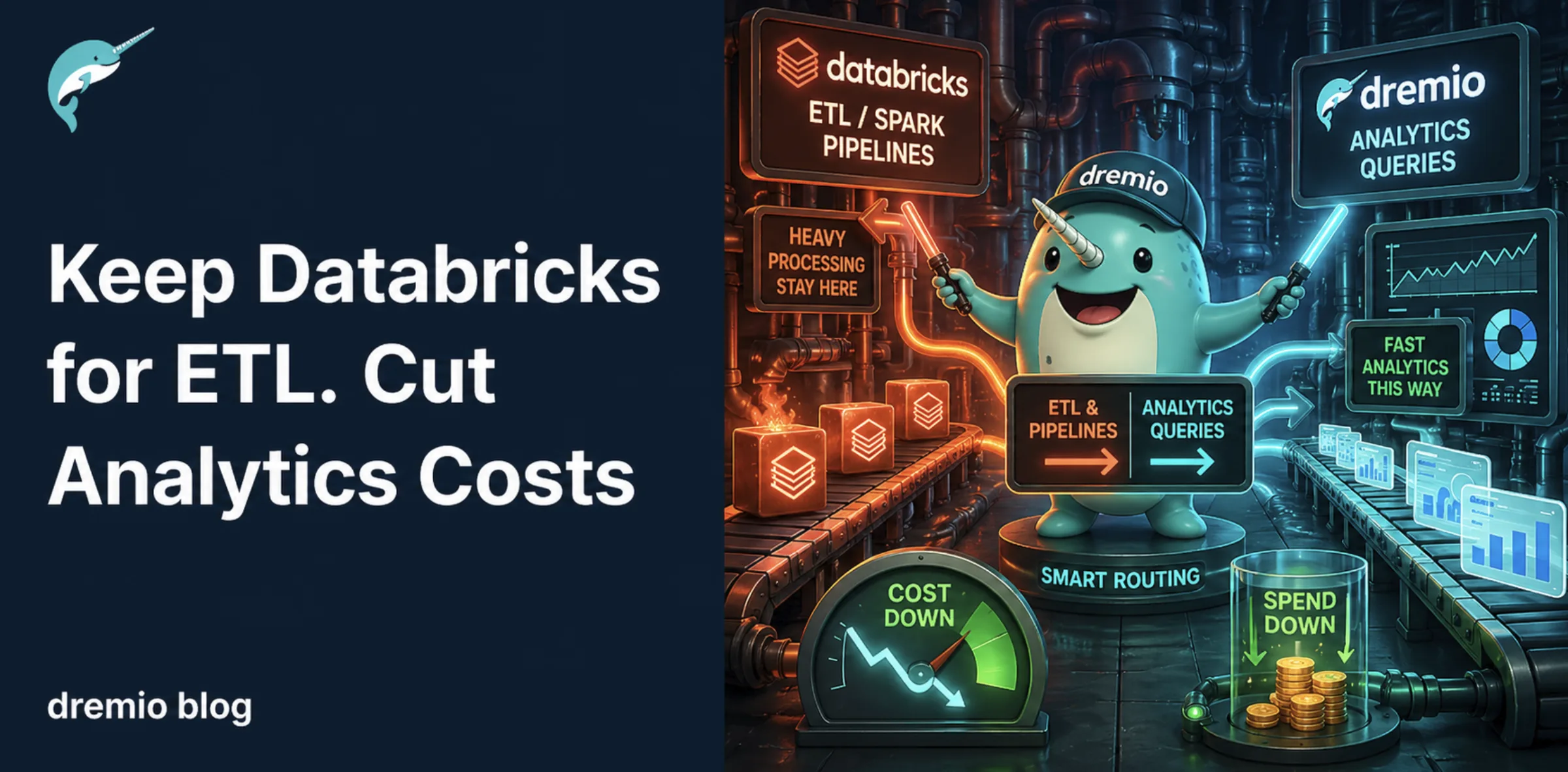
Databricks incurs dual billing, charging for both Databricks Units (DBUs) and cloud infrastructure, leading to high costs for BI queries.
Dremio reduces Databricks costs by offloading BI queries and using a query engine that eliminates 60-80% of SQL Warehouse DBU consumption.
Using Dremio's Autonomous Reflections, users can execute queries without incurring Databricks DBU charges, resulting in significant savings.
Dremio offers AI functions natively in SQL, avoiding additional costs associated with deploying separate ML models on Databricks.
Connect Databricks to Dremio in phases to maximize savings and reduce dependency on Databricks for analytics.
Databricks bills you twice for every workload: Databricks Units for compute, plus the cloud VM costs underneath. Interactive compute runs $0.40/DBU. SQL Warehouses run $0.22/DBU. And the cloud infrastructure bill on top can match or exceed the Databricks charges. Most teams don't realize how much of that spend is coming from a single category: analysts running ad-hoc queries and dashboards refreshing against SQL Warehouses, workloads that don't need Spark and don't need to cost $0.22-0.40 per DBU.
Dremio keeps Databricks in place for what it does well: ETL, ML training, and Spark-based processing. But it offloads BI queries, dashboard refreshes, and analyst exploration to a purpose-built query engine with Autonomous Reflections, eliminating 60-80% of SQL Warehouse DBU consumption and the associated cloud compute. Analysts move from Databricks notebooks to Dremio's AI Agent. Dashboards stop generating DBUs entirely.
This guide breaks down where Databricks costs come from, how Dremio reduces them, and the AI features that go beyond cost savings.
The Databricks Cost Problem
Dual Billing: You Pay Twice
Every Databricks workload creates two bills:
Databricks bill: Measured in DBUs. Interactive (All-Purpose) compute costs $0.40/DBU. SQL Warehouses cost $0.22/DBU. Jobs compute costs $0.15/DBU.
Cloud provider bill: The VMs, disks, and networking that Databricks runs on. These costs are separate and can be substantial.
A typical production analytics setup with a Medium SQL Warehouse running 10 hours/day consumes approximately 400-600 DBUs/day. At $0.22/DBU, that is $88-132/day in Databricks charges alone. Add the cloud VM costs (often $40-80/day for the underlying instances) and you are at $130-210/day or $2,800-4,500/month for a single SQL Warehouse.
Where the Money Actually Goes
Cost Component
Rate
Impact
All-Purpose (Interactive) Compute
$0.40/DBU
Most expensive tier. Dev and exploration work burns through budget fast
SQL Warehouses
$0.22/DBU
Every dashboard refresh, every ad-hoc query consumes DBUs
Cloud VM costs
Varies by instance
Equal to or greater than DBU costs for compute-intensive workloads
Idle clusters
Full DBU rate until auto-terminate
Default 120-minute auto-terminate means paying for up to 2 hours of idle time
Photon acceleration
2x DBU rate
Doubles the DBU consumption for Photon-enabled clusters
Delta Live Tables
Higher DBU rate
Continuous processing pipelines consume DBUs around the clock
Unity Catalog
DBU charges for governance operations
Metadata operations add to the bill
Storage (cloud provider)
$0.023/GB-month (S3)
Separate from Databricks, billed by cloud provider
The Interactive Query Tax
The highest cost per DBU is interactive compute ($0.40/DBU). Development, exploration, and notebook-based analysis all hit this tier. When analysts use Databricks notebooks or SQL editor for ad-hoc analysis, they are consuming the most expensive compute available.
SQL Warehouses are cheaper per DBU ($0.22), but they still run on cloud VMs that bill separately. And like Redshift Serverless, there is startup latency and minimum billing when a SQL Warehouse spins up from idle.
How Dremio Cuts the Databricks Bill
Dremio connects to your Databricks data through two approaches:
Approach 1: Unity Catalog (Recommended for Iceberg/UniForm Data)
Dremio supports Unity Catalog as a lakehouse catalog source. Through Unity Catalog, Dremio can read any Iceberg tables or UniForm-enabled Delta tables in your Databricks environment. No Databricks SQL Warehouse compute is consumed because Dremio reads the data directly from your object storage through the catalog metadata. This is the recommended approach because Iceberg and UniForm tables qualify for Autonomous Reflections.
Approach 2: Direct Object Storage Connection
Since your data lives on S3, Azure Blob, or GCS, Dremio can also read it directly using its object storage connectors. This bypasses Databricks compute entirely and works with Iceberg tables, Parquet files, and other open formats on your storage.
Reflections: The Core Cost Reduction Mechanism
Once connected, Dremio creates Reflections, optimized Apache Iceberg copies of your data stored on your cloud object storage. These Reflections are built once and then automatically refreshed when source data changes.
When a user or BI tool queries through Dremio, the optimizer checks if a Reflection can satisfy the query. If yes, Dremio serves it locally. Zero Databricks DBUs consumed. Zero cloud VM costs for Databricks.
Cost Reduction Scenario
Before Dremio:
Medium SQL Warehouse running 10 hours/day, 22 days/month
Databricks DBU cost: ~$2,200/month
Cloud VM cost: ~$1,400/month
All-Purpose clusters for ad-hoc analysis: ~$1,500/month
Total: ~$5,100/month
After Dremio with Autonomous Reflections:
75% of BI/dashboard queries served from Dremio Reflections
SQL Warehouse reduced to 3 hours/day (ETL + ML only)
Databricks DBU cost: ~$660/month
Cloud VM cost: ~$420/month
All-Purpose clusters eliminated (Dremio Used Instead): $0
Note: Dremio Cloud pricing includes both Dremio Compute Units (DCUs) and the underlying cloud infrastructure costs. Even accounting for both, the total is significantly less than the Databricks spend it replaces because Dremio's engine is optimized for analytical query serving rather than general-purpose data processing.
The largest savings come from eliminating interactive compute ($0.40/DBU) entirely. Analysts use Dremio's AI Agent instead of Databricks notebooks for exploration and ad-hoc queries.
Step-by-Step: Connect Databricks to Dremio
Step 1: Start Your Free Dremio Cloud Trial
Sign up at Dremio Cloud for a 30-day trial with full access to Autonomous Reflections, AI Agent, and all AI features.
Step 2: Connect to Your Data
Option A: Unity Catalog (Recommended)
Add a Unity Catalog source in Dremio. This connects directly to your Databricks Unity Catalog via Unity’s Iceberg REST Catalog interface. No Databricks SQL Warehouse compute is consumed because Dremio reads from your object storage through the catalog metadata.
This is the recommended approach because Iceberg and UniForm tables qualify for Autonomous Reflections.
Option B: Direct Object Storage Connection
If your Iceberg or Parquet data lives on S3, Azure Blob, or GCS, add an object storage source in Dremio. Point it to the bucket where your data lives. Dremio reads the files directly, bypassing Databricks compute entirely. (Can support Apache Iceberg tables, Parquet tables and Delta Lake tables written with V2 writers)
Step 3: Build Virtual Datasets
Create semantic layer views that combine business logic:
CREATE VDS analytics.customer_metrics AS

SELECT

  c.customer_segment,

  DATE_TRUNC('quarter', o.order_date) AS quarter,

  COUNT(DISTINCT o.order_id) AS total_orders,

  SUM(o.order_total) AS revenue,

  AVG(o.order_total) AS avg_order_value,

  COUNT(DISTINCT CASE WHEN o.is_repeat = true THEN o.customer_id END) AS repeat_buyers

FROM unity_catalog.analytics_db.orders o

JOIN unity_catalog.analytics_db.customers c ON o.customer_id = c.id

GROUP BY 1, 2
Step 4: Enable Reflections
Navigate to the virtual dataset → Reflections tab:
Enable Raw Reflections for the full dataset with optimized partitioning. Best for queries that scan or filter rows.
Enable Aggregate Reflections for pre-computed metrics. Best for dashboard queries and summary reports.
Which type to create depends on how the data is being used. Match the Reflection type to your dominant query patterns, or create both if usage is mixed.
Dremio builds Iceberg-based Reflections on your storage. Subsequent queries hit the Reflection, not Databricks.
Step 5: Activate Autonomous Reflections
Go to Project Settings → Reflections → Enable Autonomous Reflections.
Dremio monitors query patterns over 7 days and automatically creates Reflections for your most common queries. It also drops Reflections that are no longer used, keeping storage costs minimal.
Key detail: Autonomous Reflections only consider datasets natively stored as Iceberg (or UniForm tables, Parquet datasets, and views built on them). While all Reflections are internally stored as Iceberg tables, those internal tables are not exposed from Dremio's catalog. Only your natively-stored Iceberg data is eligible for autonomous optimization. This gives you a strong reason to convert Delta tables to Iceberg (or use Databricks UniForm to expose Iceberg-compatible metadata): it unlocks Dremio's autonomous performance management.
Dremio is an Iceberg-native lakehouse platform with a built-in Open Catalog based on Apache Polaris. Because the Open Catalog uses the standard Iceberg REST protocol, your Databricks Spark jobs and other engines can still read and write to the same Iceberg tables that Dremio is autonomously accelerating. Dremio manages query performance without blocking other engines or creating additional lock-in.
The maintenance engine auto-suspends after 30 seconds of idle time.
The AI Advantage: What Dremio Does That Databricks SQL Cannot
AI SQL Functions
Dremio embeds LLM capabilities directly in SQL with three functions:
-- Classify support tickets by urgency using AI

SELECT

  ticket_id,

  subject,

  AI_CLASSIFY(

    CONCAT(subject, ': ', description),

    ARRAY['critical', 'high', 'medium', 'low']

  ) AS urgency_level

FROM analytics.support_tickets
Function
Purpose
Databricks Equivalent
AI_CLASSIFY()
Categorize text with LLM
Requires MLflow model + UDF registration
AI_GENERATE()
Extract structured data from unstructured sources
Requires custom Spark job or Foundation Model API
AI_COMPLETE()
Summarize data into narrative insights
Requires Databricks AI Functions (limited to Foundation Models)
The key difference: Dremio's AI functions are native SQL. No separate ML pipeline, no model deployment, no additional DBU charges for ML compute.
The AI Agent vs. Databricks Assistant
Both platforms offer AI assistants, but they work differently:
Databricks Assistant:
Limited to notebook/SQL editor context
Generates SQL and explains code
Runs on Databricks compute (incurs DBU charges)
Dremio AI Agent:
Full analytical workflow: discover, analyze, visualize, optimize
Uses the semantic layer (views, wikis, labels) for business context
Runs against Reflections, not the source data
Generates charts and suggests follow-up questions
Zero Databricks compute consumed
For analytical workflows, Dremio's Agent replaces the need for analysts to use Databricks notebooks for ad-hoc analysis. Since the Agent runs on Dremio's engine using Reflections, the queries never touch Databricks.
MCP Server and Self-Documenting Catalog
Dremio's MCP Server connects external AI tools (ChatGPT, Claude, Cursor, custom agents) directly to Dremio. Every AI-generated query runs against Reflections, not Databricks. Your AI tools get data access without generating Databricks costs.
Dremio also auto-generates documentation for your datasets using AI. It samples schema and data to create wikis (descriptions) and suggest labels (tags), building a self-documenting catalog that would take weeks to create manually.
Architecture: How Dremio and Databricks Complement Each Other
The principle: Run analytics on Dremio (cheap), run processing on Databricks (powerful). Stop paying $0.22-0.40/DBU for queries that Dremio can serve at a fraction of the cost.
The Vendor Lock-In Advantage
Databricks has several proprietary features that create platform dependency:
Delta Live Tables: Proprietary pipeline orchestration
Magic commands and dbutils: Platform-specific APIs
Dremio is built entirely on open standards:
Apache Iceberg for data storage (no proprietary format)
Apache Arrow for in-memory processing (zero serialization tax)
Apache Polaris for catalog management (open Iceberg REST catalog)
Model Context Protocol (MCP) for AI integration (open standard)
Dremio's built-in Open Catalog uses the standard Iceberg REST protocol. This means your Databricks Spark jobs, Flink pipelines, and Trino queries can all read and write to the same Iceberg tables that Dremio is autonomously managing and accelerating. Autonomous Reflections only consider datasets natively stored as Iceberg, which is why Dremio's Iceberg-native architecture is the key enabler: it gives you autonomous performance management while preserving full multi-engine interoperability.
If you decide to move away from any platform in the future, your data stays accessible in an open format.
Migration Path: Incremental, Not All-or-Nothing
Phase
Action
Savings
Phase 1
Connect Databricks data + enable Reflections
40-60% BI/analytics cost reduction
Phase 2
Move analysts from Databricks notebooks to Dremio AI Agent
Eliminate interactive compute ($0.40/DBU)
Phase 3
Convert Delta tables to Iceberg for multi-engine access
Downsize SQL Warehouses to handle only ETL residuals
Further 20-30% reduction on remaining Databricks spend
You keep Databricks for what it does well (Spark workloads, ML, streaming) and move analytics queries to Dremio for what it does better (BI acceleration, AI-native analytics, federated queries).
Connect via Unity Catalog to read Iceberg and UniForm-enabled Delta tables without Databricks compute
Enable Reflections on your busiest dashboard datasets
Monitor your Databricks DBU consumption and cloud provider compute costs
Most teams see measurable savings within the first week. The analyst productivity gains from Dremio's AI Agent compound the financial savings by reducing the need for expensive interactive compute sessions.
For a deeper treatment of the topics in this post, download Apache Iceberg: The Definitive Guide by Tomer Shiran, Jason Hughes, and Alex Merced, free from Dremio.
Ingesting Data Into Apache Iceberg Tables with Dremio: A Unified Path to Iceberg
By unifying data from diverse sources, simplifying data operations, and providing powerful tools for data management, Dremio stands out as a comprehensive solution for modern data needs. Whether you are a data engineer, business analyst, or data scientist, harnessing the combined power of Dremio and Apache Iceberg will undoubtedly be a valuable asset in your data management toolkit.
Oct 12, 2023·Product Insights from the Dremio Blog
Table-Driven Access Policies Using Subqueries
This blog helps you learn about table-driven access policies in Dremio Cloud and Dremio Software v24.1+.
Aug 31, 2023·Dremio Blog: News Highlights
Dremio Arctic is Now Your Data Lakehouse Catalog in Dremio Cloud
Dremio Arctic bring new features to Dremio Cloud, including Apache Iceberg table optimization and Data as Code.