Business intelligence tools are where data stops being infrastructure and starts being useful. Executives review performance in dashboards, product teams track metrics in reports, and finance runs variance analysis against actuals. In each case, the value only materialises if the connection between the tool and the underlying data is fast, reliable, and consistent.
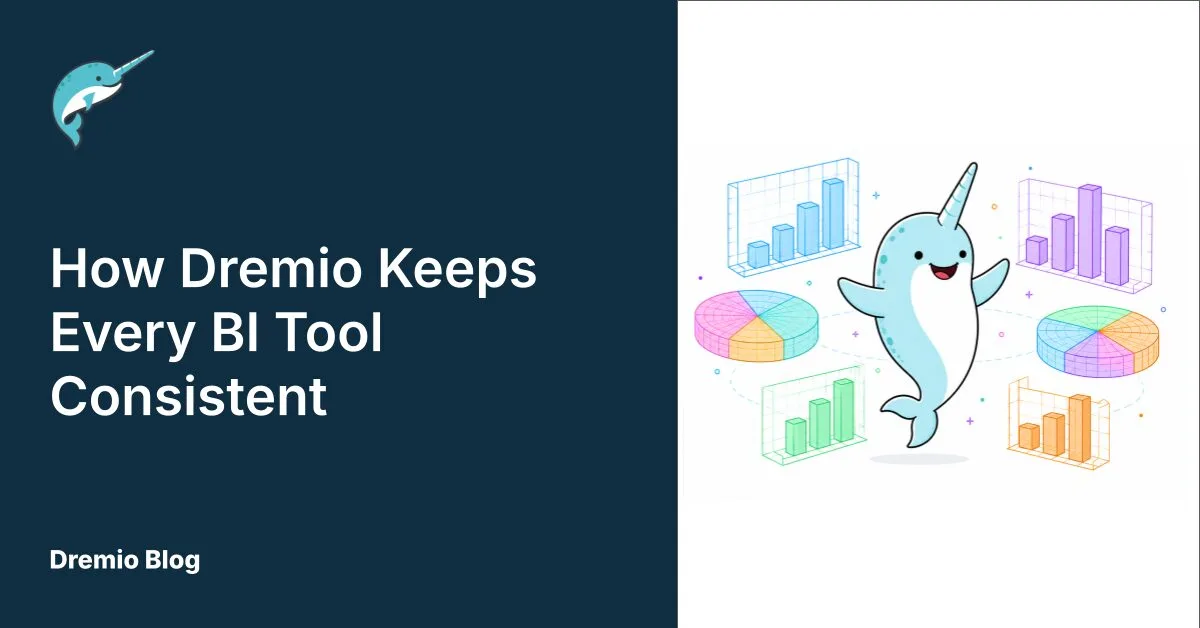
Dremio connects to virtually every major BI and visualisation tool via ODBC, JDBC, or Apache Arrow Flight. Crucially, Dremio's AI Semantic Layer means that Dremio applies the metric definitions, joins, and business logic you configure consistently to every query, regardless of which tool submits it. This means that your "revenue" figure in Tableau and in Power BI will agree, because they're both hitting the same semantic definitions rather than each tool maintaining its own model.
Below are five popular tools that work well with Dremio and information on how to connect with each of them.
Tableau
Tableau connects to Dremio using a native connector available directly from Dremio's UI. For Tableau Server 2021.2 and later, this is the recommended approach: you can launch Tableau with a live connection to your Dremio datasets from the interface without manual driver configuration. Importantly, the connection supports both Tableau Desktop and Tableau Server deployments, and queries run live against Dremio rather than importing data into Tableau extracts.
Tableau's strength is interactive visual exploration, and pairing it with Dremio's query federation means analysts can build dashboards that span multiple data sources without any of those sources being physically consolidated. In practice, a sales dashboard can join CRM data in PostgreSQL against order history in S3 Parquet files in a single Tableau viz, with Dremio handling the federation transparently.
Microsoft Power BI
Power BI connects to Dremio using the Arrow Database Connectivity (ADBC) driver, which Dremio recommends as the preferred connection method. Unlike traditional ODBC, ADBC is built on Apache Arrow Flight and delivers significantly faster data transfer by eliminating row-by-row serialisation. As a result, the performance difference is substantial for large datasets and complex queries.
Beyond the performance gains, Power BI's integration with Microsoft Fabric makes Dremio a natural fit for organisations running hybrid environments. Analysts can build reports against Dremio-managed Iceberg tables using DirectQuery mode, so every refresh hits live data rather than a cached extract. In addition, Dremio enforces row and column-level policies at query time for every Power BI user, with no additional configuration needed in the BI layer.
Apache Superset
Apache Superset is an open source BI platform that connects to Dremio using the Dremio Flight SQL connector. The connection authenticates via a personal access token (PAT) and routes queries over Arrow Flight for efficient data transfer. Once you configure it, Superset's SQLAlchemy-based architecture means the Dremio connection behaves like any other database connection.
Superset is a popular choice for data engineering and platform teams who want full control over their analytics stack without a commercial BI licence. It supports a wide range of chart types, SQL-based exploration, and dashboard sharing. For teams already running Dremio as their lakehouse platform, Superset is therefore a cost-effective path to self-hosted visualisation. A walkthrough of the integration is available at dremio.com/blog/bi-dashboards-101-with-dremio-and-superset/.
Looker
Looker connects to Dremio via JDBC or Arrow Flight, authenticating with a username and personal access token. From there, Looker can browse Dremio's catalogue, generate LookML models from the available tables, and run queries via its standard explore interface. Google Cloud's documentation for the Dremio connection can be found at cloud.google.com/looker/docs/db-config-dremio.
Looker's LookML modelling layer and Dremio's AI Semantic Layer serve complementary roles. Dremio handles the data access layer (federation, governance, and acceleration) while LookML manages the presentation layer: how dimensions and measures are surfaced in Looker explores. As such, teams using Looker can point it at Dremio without rebuilding their LookML models, and Dremio's Reflections will accelerate the underlying queries without any changes to how Looker constructs them.
Domo
Domo connects to Dremio via JDBC using the standard Dremio JDBC driver. Once configured, Domo can pull data from Dremio into its platform for dashboard building, scheduled data refreshes, and Domo's native card and story formats.
Domo is commonly used in organisations where business users are the primary dashboard builders. Its drag-and-drop interface and collaboration features make it accessible to non-technical users. Connecting it to Dremio means those users work against governed, semantically consistent data rather than exports or copies. Similarly, scheduled refreshes pull results from Dremio on a cadence, keeping Domo dashboards aligned with the live lakehouse.
Taken together, these five tools illustrate how Dremio functions as a single SQL interface that any BI tool can connect to and immediately benefit from. You configure the data access logic once in Dremio, and every tool that connects inherits it. To test this with your own data, a free Dremio Cloud environment at dremio.com/get-started supports one-click connections to Tableau and Power BI from day one, with JDBC and Arrow Flight endpoints covering the rest.
Try Dremio Cloud free for 30 days
Deploy agentic analytics directly on Apache Iceberg data with no pipelines and no added overhead.