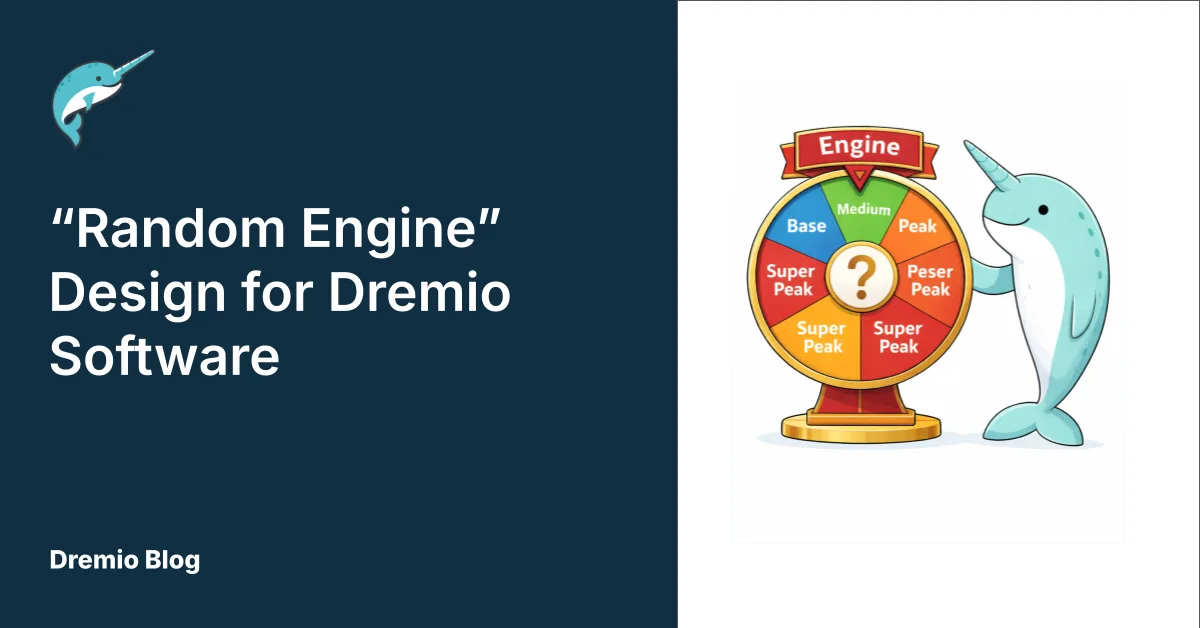
The current Dremio Software architecture has performance bottlenecks during peak workloads due to fixed engine pools.
The proposed 'Random Engine Routing' design introduces Time-Segmented Engine Pools to manage predictable peak workloads effectively.
This design features baseline, medium, and peak engines that activate automatically based on scheduled demand, improving resource utilization.
New routing rules and queues ensure optimal engine usage while minimizing cloud costs during idle times.
Considerations for setup include enabling auto-start/stop features and adjusting operational hours for engines to further enhance performance.
Try Dremio’s Interactive Demo
Explore this interactive demo and see how Dremio's Intelligent Lakehouse enables Agentic AI
Current Architecture (Conceptual)
The current Dremio Software architecture often uses a fixed pool of executor engines. While this provides stability for baseline workloads, it struggles to handle predictable spikes in demand, leading to performance bottlenecks during peak periods, and overallocation of engines during quieter periods. Overallocation can have an impact on Cloud costs.
This document’s examples were tested using Dremio Software, running on v26.0.6.
Proposed “Random Engine Routing” Design
To accommodate predictable peak workloads, the proposed design introduces the concept of Time-Segmented Engine Pools.
Instead of one fixed pool, Dremio will be configured with multiple, identically-configured, replica engine pools, active during specific time segments.
A random mechanism will distribute query traffic across the pools.
In order to reduce cloud consumption costs, Engines will be deactivated at configurable times. In addition, Engines will also be deactivated after a defined period of idle time.
Core Components
Baseline-workload Engine (E-Low): The primary engine running 24/7, handling all off-peak and standard workloads.
Medium-workload Engine (E-Medium): An additional replica engine, configured identically to E-Base, but only scheduled to be active during known medium-active hours (e.g. 08:00–12:59).
Peak-workload Engine (E-Peak): An additional replica engine, configured identically to E-Base, but only scheduled to be active during known peak-active hours (e.g. 14:00–17:59).
Random Load Balancer (Conceptual): A logical function within the Dremio Coordinator that randomly distributes incoming queries among all currently active engine pools.
Design Benefits
Feature
Current Architecture
Proposed Random Engine Design
Scaling for peak/medium workloads
Manual or relies on external scaling (if configured). Slow reaction.
Automatic activation of pre-configured replica engines during scheduled times. Fast reaction.
Engine utilisation
Potentially underutilised during off-peak. Overloaded during peak.
Consistent utilisation of E-Base, with supplemental capacity (E-Medium, E-Peak) only when scheduled.
Predictability
High variability in performance during peak.
Stable and predictable query performance during known peak windows.
Designed Workload Capacity
The following table explains the available engine capacity over a 24-hour period, comparing the current fixed architecture with the proposed Round Robin design using scheduled Peak and Medium Engines.
Assuming that each engine has 4 nodes:
Time Slot (24h)
Proposed Engines
Proposed Capacity (Nodes)
08:00 - 12:59 (Medium)
E-Base, E-Medium
8
13:00 - 13:59 (Low)
E-Base
4
14:00 - 17:59 (Peak)
E-Base, E-Medium, E-Peak
12
18:00 - 07:59 (Low)
E-Base
4
Setup
This section will describe how to configure the additional engines and rules, to satisfy the use case described earlier.
Assumptions
An Engine “E-Base” has previously been configured.
A Queue “Base” already exists, which routes queries to the E-Base engine
A Rule already exists to capture the conditions in order to route to the “Base” queue.
Engine Configuration
Two new engines will be added: E-Medium and E-Peak. They will be sized identically to the existing engine E-Base.
We need to ensure that our new engines are enabled to “Automatically start/stop” (see Engine Settings documentation):
When no traffic is routed to the engine, then the engine will automatically stop.
When any traffic is routed to the engine and it is not running, then the engine will automatically start.
NB. If the “E-Base” Engine is required to be always on (24/7), then this engine’s setting for “Automatically start/stop” should be disabled. Alternatively, if the E-Base engine should be shutdown after a period of inactivity, then the “Automatically start/stop” feature should be enabled, but with an appropriately-defined Idle Time.
Workload Management Queues and Rules
We need to add 2 extra queues and rules to handle Medium and Peak workloads.
We need to add our new rules so that they are only activated during required time periods. We will also need to apportion the workload randomly during those allotted time periods.
The new rules:
must include the existing rule conditions of our E-Base engine (see below).
have a higher precedence than the existing rule of our E-Base engine.
Any existing “E-Base” routing rules will also have to be included into our new rules.
For example, assuming the existing routing condition for E-Base: query_cost() >= 300000
This same condition will have to be applied to our new rules.
In these examples:
We will assume that query_cost() >= 300000 is an existing rule condition.
We will use the EXTRACT (HOUR FROM CURRENT_TIME) feature to determine the allotted time periods for medium / peak workloads
Note that the CURRENT_TIME function returns a result in GMT / UTC.
Priority
Rule Name
Rule Conditions
Queue
Comment
1 (new rule)
Peak
query_cost() >= 300000
AND (EXTRACT(HOUR FROM CURRENT_TIME) BETWEEN 14 AND 17)
AND RANDOM() < 0.33
Peak
Peak Activity engine will only be active between 14:00 -17:59.
2 (New rule)
Medium
query_cost() >= 300000
AND (EXTRACT(HOUR FROM CURRENT_TIME) BETWEEN 14 AND 17 OR EXTRACT(HOUR FROM CURRENT_TIME) BETWEEN 08 AND 12)
AND RANDOM() < 0.5
Medium
Medium Activity engine will be active between both 14:00 -17:59 and between 08:00 -12:59.
3 (existing rule)
Base
query_cost() >= 300000
Base
Base Activity engine will be active all day.
The result of this configuration will be:
Time of Day
Engine Name
Proportion of Traffic
0800 - 1259 (Medium)
E-Base
~ 50%
E-Medium
~ 50%
1300 - 1359 (Base)
E-Base
100%
1400 - 1759 (Peak)
E-Base
~ 33%
E-Medium
~ 33%
E-Peak
~ 33%
1800 - 0759 (Base)
E-Base
100%
Other Considerations
Using replicas only on weekdays
If you would only like the replica engines to be active only on weekdays, add the following rule to the replica engines’ routing:
AND extract(DOW from CURRENT_DATE) between 2 and 6
NB. the DOW function extracts day-of-week as follows:
2 == Monday
6 == Friday
Adding an extra time band
Eg., If we decide to add an extra band, such as “SuperPeak”, to cater for higher concurrency, only active between 17:00 and 17:59:
Step 1: Add a new engine, Name: E-SuperPeak
Step 2: Add a new Queue
Queue Name
Engine Name
SuperPeak
E-SuperPeak
Step 3: Add a new Rule and edit existing rules
Note that for the new rule which is adding a 4th time band, we will allocate ¼ of the queries to the new Engine, during the time it is required (17:00 - 17:59). This means that 25% of the queries are allocated to SuperPeak and the remaining 75% will be allocated to the other engines.
query_cost() >= 300000AND (EXTRACT(HOUR FROM CURRENT_TIME) BETWEEN 14 AND 17)AND RANDOM() < 0.33
Peak
3 (existing rule 2)
Medium
query_cost() >= 300000
AND (EXTRACT(HOUR FROM CURRENT_TIME) BETWEEN 14 AND 17 OR EXTRACT(HOUR FROM CURRENT_TIME) BETWEEN 08 AND 12)AND RANDOM() < 0.5
Medium
4 (existing rule 3)
Base
query_cost() >= 300000
Base
Engine Auto Start and Auto Stop
Dremio engines can be enabled to automatically start and stop - see Adding an Engine.
Auto Start Considerations
Description of autostart feature: When a query is routed to the engine, then the engine will start (if it is not already running).
Impact. If an engine is not already running, then there will be a delay before the query is executed. End users will be impacted with slower query times.
Runtime filters in Dremio are an opportunistic, runtime‑only optimization: they do not replace good data modeling, partitioning, or reflections, but they stack on top of those fundamentals to remove work that is provably useless for a specific query run.
Aug 18, 2025·Engineering Blog
Column Nullability Constraints in Dremio
Column nullability serves as a safeguard for reliable data systems. Apache Iceberg's capabilities in enforcing and evolving nullability rules are crucial for ensuring data quality. Understanding the null, along with the specifics of engine support, is essential for constructing dependable data systems.
Apr 28, 2025·Engineering Blog
Dremio’s Apache Iceberg Clustering: Technical Blog
Clustering is a data layout strategy that organizes rows based on the values of one or more columns, without physically splitting the dataset into separate partitions. Instead of creating distinct directory structures, like traditional partitioning does, clustering sorts and groups related rows together within the existing storage layout.