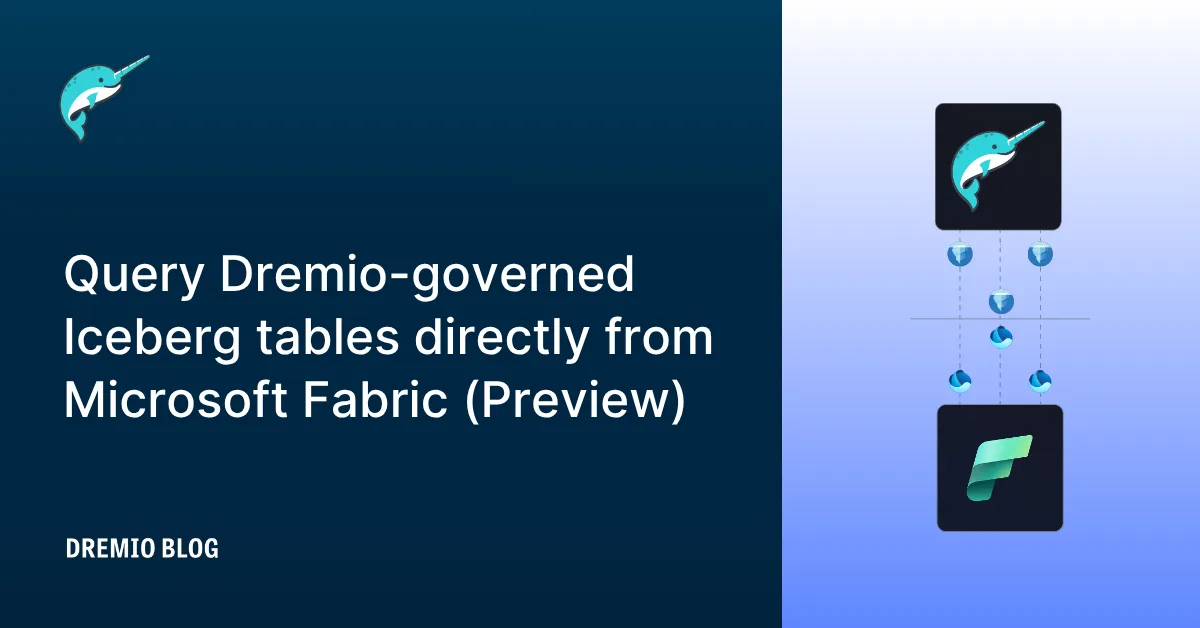
Microsoft Fabric now includes the Mirrored Dremio catalog, a new item type that brings Dremio-managed Iceberg tables into OneLake without copying data or building pipelines. If your organization runs Dremio as its lakehouse platform, your Fabric users can now query that data from Power BI, the SQL analytics endpoint, and other Fabric experiences, while the data itself stays exactly where it is.
A quick note on Dremio, for Fabric readers who haven't met us
Dremio is an Iceberg-native lakehouse platform. Microsoft's investment in Iceberg in OneLake made this integration a natural fit; both sides are building on the same open foundation. Our engine reads and writes Iceberg to its full extent, with a SQL engine, a semantic layer, and an open catalog built around it, all designed to serve both human analysts and AI agents over data that stays in your own cloud storage.
Why this integration was straightforward to build
Microsoft and Dremio share the bet on Apache Iceberg as the table format for the open lakehouse. Dremio's Open Catalog is built on Apache Polaris, a top-level Apache Software Foundation project that Dremio co-created and contributed. Polaris implements the Iceberg REST Catalog specification, which means any engine that speaks the spec can read tables it manages. Microsoft chose to integrate via the open spec, the same path any Iceberg-aware engine takes. No proprietary connector, no custom protocol.
The practical result for you: the data in your Dremio catalog isn't behind a vendor-specific interface. The list of engines reaching it through the open spec is growing, and it'll keep growing as long as the spec stays open. Open catalogs were the bet, and integrations like this one are why the bet was worth making.
What it unlocks
Once mirrored, your Dremio-managed tables appear as regular OneLake tables in your Fabric workspace. Any Fabric experience that reads from OneLake can read them, from Power BI dashboards to the SQL analytics endpoint and beyond. The data itself doesn't move, and your Dremio catalog continues to govern the tables.
Schema changes, new tables added to mirrored namespaces, and tables removed from the catalog's scope propagate to Fabric automatically. Credential vending in Dremio handles the access piece, so Fabric reads your data without you having to hand over storage keys.
How it works
Three steps, each takes about as long to do as it does to read.
- Connect. In your Fabric workspace, create a new Mirrored Dremio catalog item and point it at your Dremio Open Catalog using the Iceberg REST endpoint. Authenticate with a Personal Access Token or sign in.
- Select. Browse your Dremio namespaces and pick the tables you want mirrored. You can also opt in to auto-mirror new tables as they appear.
- Mirror. Fabric creates shortcuts in OneLake that point back to your data in Dremio. Tables show up in seconds and stay in sync as things change upstream.
Getting started and what's next
Setup instructions and the full feature reference live in the Microsoft documentation: aka.ms/OneLakeMirroredCatalogDocs/Dremio.
This is the first release. On the roadmap: support for on-premises gateway connectivity for environments with restricted network access, and continued work to broaden how Fabric reaches Iceberg catalogs in the wild. If you try it, let us know what you think.
Keep learning
For a deeper treatment of the topics in this post, download Apache Iceberg: The Definitive Guide by Tomer Shiran, Jason Hughes, and Alex Merced, free from Dremio.
To see these ideas applied in practice, explore the Dremio documentation.
Query Your Iceberg Tables Directly from Microsoft Fabric
Connect your Dremio-governed Iceberg tables to OneLake with no data movement, no pipelines, and no proprietary connectors.