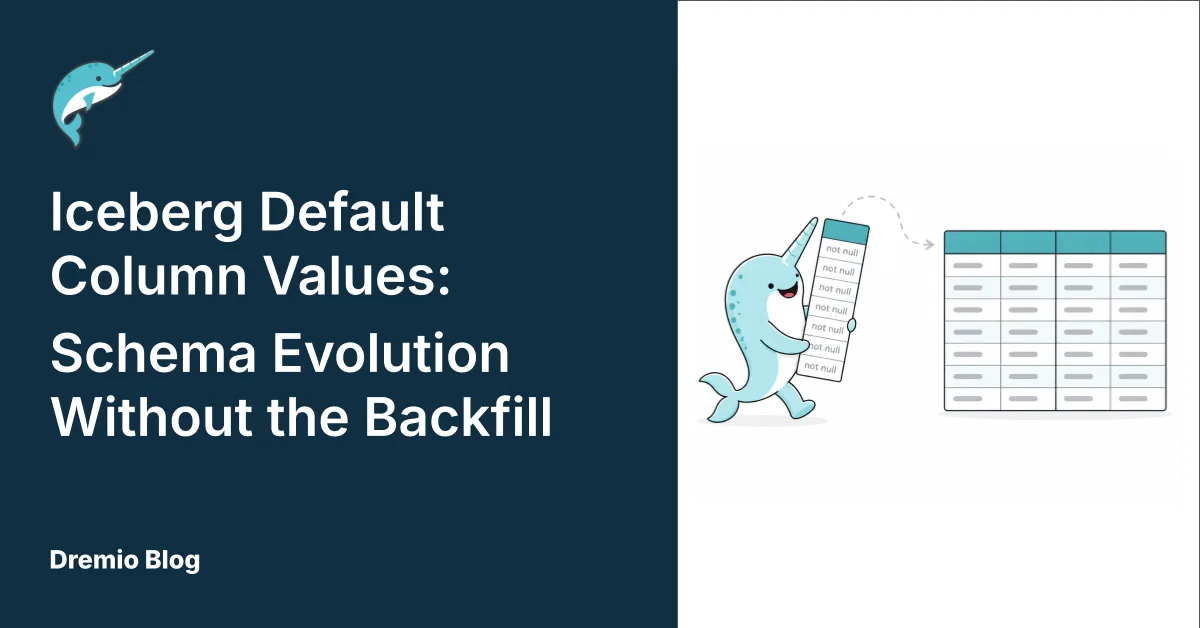
Adding a column to a large production table used to require a plan. You'd write the migration script, schedule a maintenance window, kick off a backfill job that rewrote every data file to include the new column, and then wait. For a table with billions of rows on a busy lake, that wait could stretch for hours.
Apache Iceberg v3 removes this hassle with native default column values. Dremio supports them fully on v3 tables, and now schema changes which previously required careful orchestration can happen in seconds.
How Default Values Work in Iceberg v3
When you add a column with a default value to an existing Iceberg v3 table, Dremio records the default in the table's schema metadata. No data files are rewritten. The operation is instantaneous regardless of how large the table is.
When a query runs against the table and encounters a data file written before the new column existed, Dremio looks up the default value from the schema metadata and returns it for every row in that file. From the query's perspective, the column has always been there.
The Iceberg v3 spec actually defines two distinct defaults for every column with a default value:
initial-default is set when the column is added and never changes. This is what gets returned for rows in data files that predate the column.write-default is also set when the column is added, but can be changed later. New rows that don't explicitly provide a value for the column use the write-default at write time. Fantastic for efficient row inserts.
In most day-to-day usage the two defaults start as the same value and you don't need to think about the distinction. But the separation matters when your default needs to evolve. If you add a status column with a default of 'pending' and later decide that new rows should default to 'active', you can update the write-default without changing what gets returned for your historical data. Old rows still read as 'pending'. New writes without an explicit status land as 'active'.
In Dremio, default values are only supported for primitive data types. Complex types, such as arrays, maps, and structs, are (at the time of writing) not available. Both types of default value are specified using the DEFAULT parameter, as part of either a CREATE TABLE or ALTER TABLE statement.
Why This Matters for Schema Evolution
The classic pain point with schema changes on any table is the NOT NULL column. In most systems, adding a column that cannot be null requires backfilling every existing row with a value before the constraint can be enforced. That backfill typically requires a full table rewrite. But not with Iceberg v3.
As the default value is applied at read time for pre-exisiting data files, you can add a required (NOT NULL) column to a table as long as you provide a non-null default. Old rows satisfy the constraint via this default, while new rows must provide a value or use the default. And the table schema has evolved without you having to touch the underlying data files.
That changes how teams can structure their pipelines. A column that tracks which process version wrote a row, an audit field like ingested_by, a flag applied to historical records, a regional classification that didn't exist when the table was first created: all of these can be added to a live table without a rewrite job, without a maintenance window, and without blocking reads during the schema update.
Where Default Column Values Make a Difference
Event tables in application analytics are a natural fit. Product teams frequently add context to events after the fact, whether that's a campaign attribution field, a user segment, or a revised event category. With default values, those columns can be added to a table with billions of existing events and immediately queried. The historical rows return the default; new events populate the value explicitly.
Audit and compliance columns follow a similar pattern. Adding a data_classification column with a default of 'unreviewed' to an existing sensitive data table doesn't require reprocessing the whole table. The default flags historical rows for classification review while new rows flow in with appropriate labels from the pipeline.
Pipeline versioning is another case. When a processing job changes its logic, teams often want to track which version of the pipeline wrote each row. Adding a pipeline_version column with the current version as the default means historical data shows the version implicitly (or a placeholder like 'pre-v2'), and new writes stamp themselves automatically when the column isn't specified.
Getting Started
Default column values are available on Iceberg v3 tables in Dremio Cloud. If you're creating a new table and include a DEFAULT clause, Dremio automatically creates the table with the v3 format. For existing v2 tables, they must first be migrated to v3.
To see it in practice, spin up a free Dremio Cloud environment at dremio.com/get-started, add a column with a default to a large Iceberg table, and query it immediately.
Keep learning
For a deeper treatment of the topics in this post, download Apache Iceberg: The Definitive Guide by Tomer Shiran, Jason Hughes, and Alex Merced, free from Dremio.
To see these ideas applied in practice, explore the Dremio documentation.
Try Dremio Cloud free for 30 days
Deploy agentic analytics directly on Apache Iceberg data with no pipelines and no added overhead.