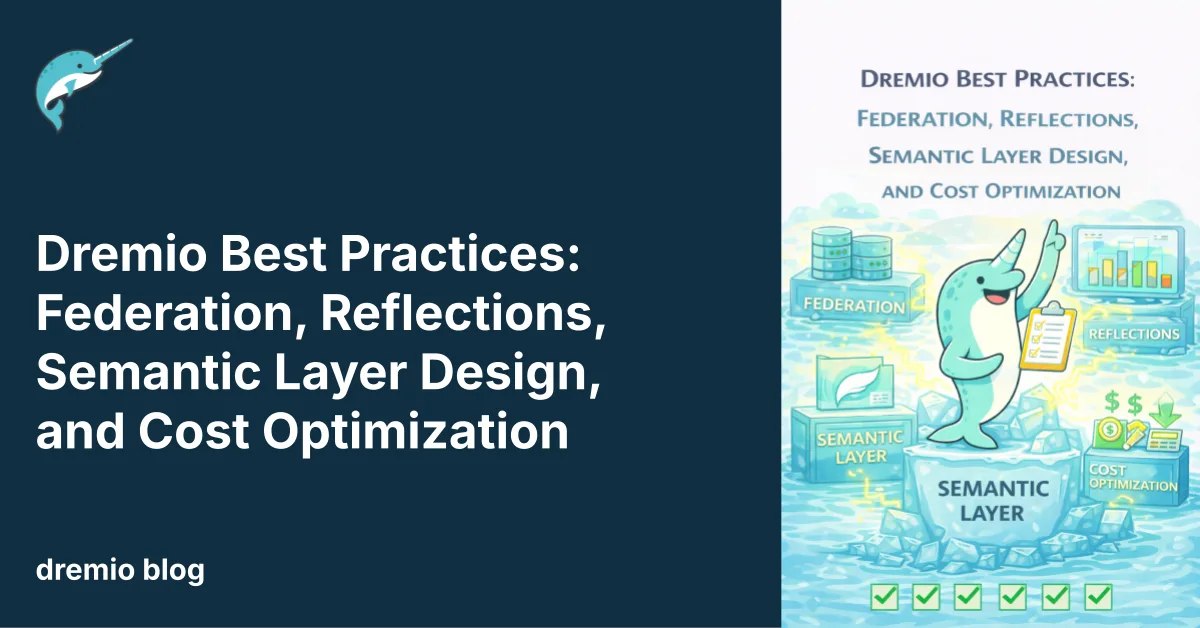
Most data platforms force you to choose: move all your data into one place and pay the storage and pipeline costs, or leave it scattered and accept slow, disconnected analytics. Dremio eliminates that tradeoff. But getting the most from it requires knowing which features to use when, and which to skip.
This guide covers five areas where the right decision can cut your costs, speed up your queries, and prevent architectural debt before it starts.
Federation vs. Iceberg: When to Move Data and When Not To
Dremio connects to dozens of sources, including S3, PostgreSQL, MongoDB, Snowflake, Redshift, and more, and queries them in place. The temptation is to federate everything and skip data movement entirely. That works in some scenarios. Not all.
Federate when:
The dataset is queried infrequently (monthly reports, one-off exploration)
The source system handles frequent writes and you need current data
Data residency regulations prevent moving data out of a specific system
You're evaluating a new source and aren't sure it's worth migrating yet
Migrate to Iceberg when:
Multiple dashboards hit the same dataset daily
You need joins across two or more source systems
You want Autonomous Reflections, compaction, time travel, or automatic table optimization
Scan-heavy analytics or AI training workloads that need columnar performance
Dremio's predicate pushdowns make federated queries efficient by pushing filters down to the source system. But nothing beats Iceberg's partition pruning and columnar layout for high-frequency analytical workloads.
The practical strategy: start every new source as a federated connection. Monitor query patterns. When a dataset reaches the threshold of "queried daily by multiple teams," migrate it to an Iceberg table in Dremio's Open Catalog. This way, you avoid premature data movement while capturing the performance gains where they matter.
Try Dremio’s Interactive Demo
Explore this interactive demo and see how Dremio's Intelligent Lakehouse enables Agentic AI
Designing Your Semantic Layer for Humans and AI
Dremio's semantic layer is the system that teaches both your analysts and your AI agents what your data means. Get it right, and every query, whether typed by a human or generated by an agent, produces the same correct answer. Get it wrong, and you have five different definitions of "active customer" floating around your org.
Build in three layers:
Bronze (Preparation): Create views over your raw sources. Rename cryptic column names like col_7 to OrderDate. Cast timestamps to UTC. Don't change the data itself, just make it readable.
Silver (Business Logic): Join Bronze views, filter invalid records, deduplicate, and apply business rules. This is where you define metrics. "Monthly Active Users" gets defined once in a Silver view.
Gold (Application): Aggregate views built for specific consumers. A dashboard gets a Gold view pre-aggregated by region and month. An AI agent gets a Gold view optimized for the questions it needs to answer.
Two rules that prevent headaches:
Avoid SQL reserved words as column names. Naming a column Timestamp or Date forces every downstream query to double-quote it. Use EventTimestamp or TransactionDate instead.
Document everything. Dremio's generative AI can auto-generate Wiki descriptions and suggest Labels by sampling your data. Use it to bootstrap documentation, then add domain-specific context that only your team knows. Wikis and labels prevent AI agents from hallucinating when generating SQL.
Reflections: Use Them Strategically, Not Everywhere
Reflections are pre-computed, physically optimized copies of your data stored as Iceberg tables. The query optimizer uses them transparently. You write SQL against a view, and Dremio uses the fastest Reflection under the hood.
Two types serve different purposes:
Raw Reflections optimizes sort and partition order for filter-heavy scan queries
Aggregate Reflections pre-calculate SUM, COUNT, AVG for dashboard and summary workloads
Use Reflections when:
A dashboard refreshes every few minutes and hits the same underlying views
Analysts run a predictable set of filters and aggregation patterns on large datasets
Cross-table joins follow consistent patterns that can be pre-materialized
Skip manual Reflections when:
A dataset is rarely queried. Reflections consume storage and refresh compute. If no one queries it, you're paying for nothing.
The schema changes often. Reflection definitions break on schema changes.
Autonomous Reflections can handle it. This is the biggest shift. With Autonomous Reflections enabled, Dremio analyzes query patterns from the last 7 days and creates, manages, or drops Reflections automatically. It provisions a dedicated Small refresh engine that shuts down after 30 seconds of idle time. For most teams, enabling Autonomous Reflections and stepping back is the right default.
Reflections are also refreshed incrementally on Iceberg tables. Dremio inspects partition metadata and refreshes only changed partitions, not the entire dataset. If a Reflection hasn't caught up yet, the optimizer falls back to raw data. You never get stale results.
Minimizing Compute and Storage Costs
Dremio's architecture reduces costs in ways you won't notice until you compare your bill to a traditional warehouse.
Area
Traditional Warehouse
Dremio Lakehouse
Storage
Vendor-controlled pricing
Your own cloud storage, open Iceberg format
Compute
Reserved clusters or always-on
Elastic engines, auto-scaling, idle shutdown
Data movement
ETL pipelines to centralize
Federation eliminates most copying
Tuning
Manual materialized views
Autonomous Reflections + C3 cache
Lock-in
Proprietary format + engine
Open format, any engine reads the tables
The three biggest cost levers:
Columnar Cloud Cache (C3): Caches frequently accessed data from object storage on local NVMe drives at executor nodes. Repeat queries hit local disk instead of S3 round-trips.
Results Cache: Identical queries return from cache instantly, avoiding redundant compute. Combined with C3, this means your most common workloads use minimal resources.
Automatic table optimization: Dremio compacts small files, rewrites manifests, clusters data, and vacuums orphan files in the background. This keeps Iceberg tables performant without manual intervention and reduces storage waste from file proliferation.
Pay-as-you-go pricing means you only pay for the compute you use. Engines shut down when idle. There's no reserved capacity to overpay for.
Best Practices for AI SQL Functions
Dremio embeds LLM capabilities directly in the SQL engine through three functions: AI_GENERATE, AI_CLASSIFY, and AI_COMPLETE. They're powerful, but each call incurs a token cost. Use them deliberately.
Filter before you call AI. Apply WHERE clauses to narrow your dataset before running an AI function. Classifying 10 million rows when you need 500 is expensive and wasteful.
Choose the right function:
Use AI_CLASSIFY for fixed categories (sentiment, ticket routing, PII detection). It's more deterministic and cheaper than freeform prompts.
Use AI_GENERATE with WITH SCHEMA for extraction. Pulling structured fields from invoices, contracts, or emails works best when you define the output schema explicitly:
SELECT AI_GENERATE(
    'Extract vendor name and total amount.',
    file_content
    WITH SCHEMA (vendor_name VARCHAR, total_amount FLOAT)
) FROM TABLE(LIST_FILES(path => 's3.invoices', recursive => true));
Use AI_COMPLETE for summarization and translation. Use AI_COMPLETE('Translate to French: ' || column_name).
Materialize your AI results. If you run the same AI function on the same data repeatedly, save the output to an Iceberg table with CREATE TABLE enriched_data AS SELECT .... This avoids incurring LLM costs per query. AI functions are best suited for batch enrichment during data preparation, not real-time serving.
What to Do Next
Pick one area. If your federated queries are taking too long, migrate the largest dataset to Iceberg and measure the difference. If your semantic layer is a mess of redundant definitions, consolidate into a Bronze-Silver-Gold structure. If you're paying for compute on queries that run identically every hour, enable Autonomous Reflections and let Dremio handle the tuning.
Ingesting Data Into Apache Iceberg Tables with Dremio: A Unified Path to Iceberg
By unifying data from diverse sources, simplifying data operations, and providing powerful tools for data management, Dremio stands out as a comprehensive solution for modern data needs. Whether you are a data engineer, business analyst, or data scientist, harnessing the combined power of Dremio and Apache Iceberg will undoubtedly be a valuable asset in your data management toolkit.
Oct 12, 2023·Product Insights from the Dremio Blog
Table-Driven Access Policies Using Subqueries
This blog helps you learn about table-driven access policies in Dremio Cloud and Dremio Software v24.1+.
Aug 31, 2023·Dremio Blog: News Highlights
Dremio Arctic is Now Your Data Lakehouse Catalog in Dremio Cloud
Dremio Arctic bring new features to Dremio Cloud, including Apache Iceberg table optimization and Data as Code.